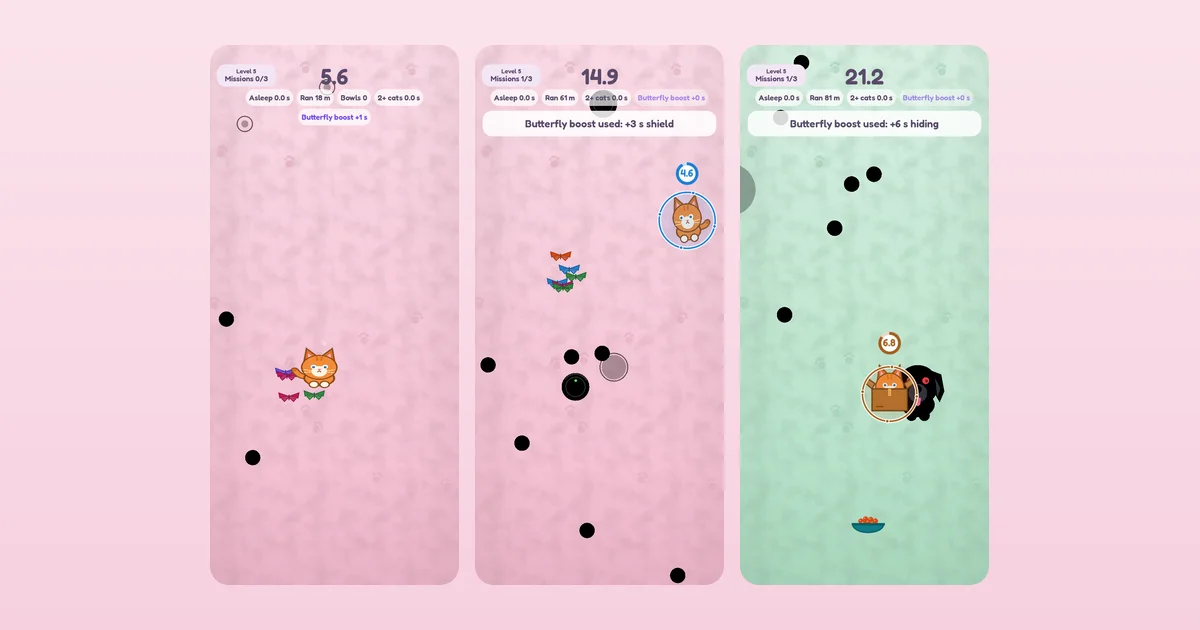
This site is a directory of the things I build: plugins, web apps, phone apps, a theme, a few games. It’s also a working demonstration of a problem every portfolio has — most of what you make isn’t ready to be seen yet, and the boundary moves constantly.
Drafts aren’t the answer
WordPress already has a way to keep something back: leave it as a draft. That works until you want to see the thing properly — its card in the grid, its cover art, how the badges sit next to a real project — because a draft doesn’t appear in any of those places. You end up publishing to check the layout, then forgetting what you’ve published.
So each project has a tick box: only admin sees. Ticked, the project is published and complete as far as the site is concerned, and invisible to everyone but me — absent from the directory, the home page, search, the feed, the sitemap and the API, with its own page returning a 404 to visitors. Logged in, I see it exactly as it will look on the day it goes public, marked with a small “admin only” badge so I can’t mistake one for the other.
The default is the whole point
The tick is on for new projects, and a project is only public once someone explicitly unticks it. That sounds like a small decision and it’s the one that makes the feature work. A flag that defaults to “visible” fails in the direction that hurts: forget it once and a half-finished thing is public. This way, forgetting means nothing happens.
It carries into the plumbing too. A project imported by a script, or created by hand in the database, has no flag at all — and no flag counts as hidden. The only way into public view is a deliberate act.
Counting what the visitor can see
The tricky part wasn’t hiding the projects, it was everything that counts them. The home page says how many projects and how many project types there are. The directory’s filter shows a number next to each type. All of those came from WordPress’s own counts, which include the hidden ones — so a visitor would have been told “six project types” while the filter offered four.
Now every count is worked out from what the person looking is allowed to see, and a type with nothing public doesn’t appear at all. If you build something similar, that’s the part to check: hiding a thing is easy, and the numbers that describe it are where the leak shows up.