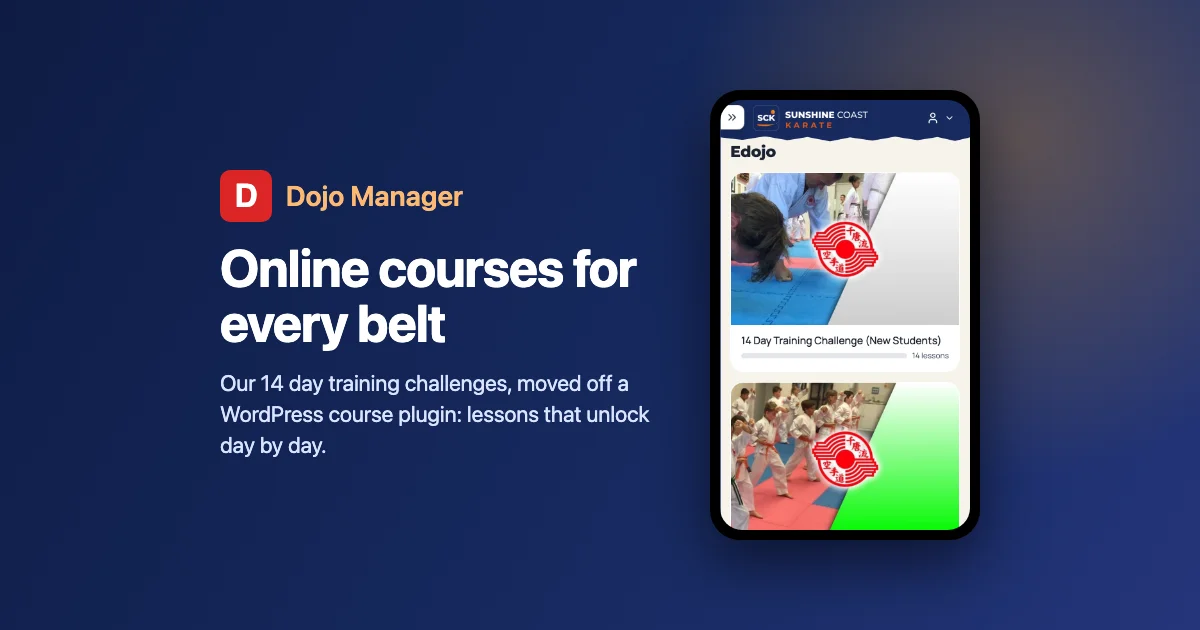
For years, Sunshine Coast Karate has run five online courses: the 14 Day Training Challenges, one for each stage from Little Champions (ages 4 to 7) up to brown and black belts. They lived on our WordPress site, in a course plugin. This part of building Dojo Manager, the app I’m writing to run our karate school, moves them into its Edojo, so members find their classes, their membership and their training in one place. The screenshots come from a copy of our own dojo, and the people in the videos are our own instructors.
Where the challenges lived
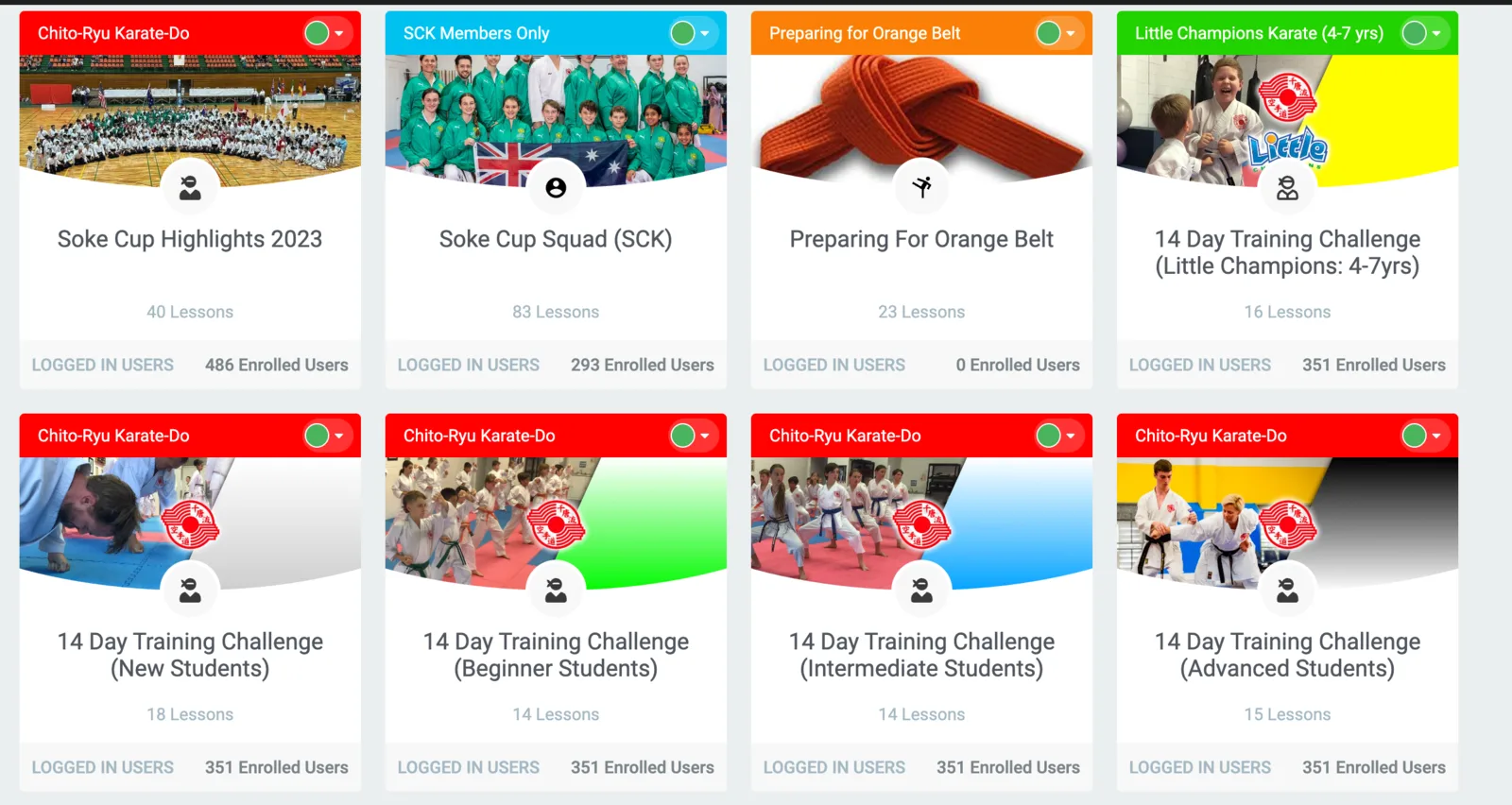
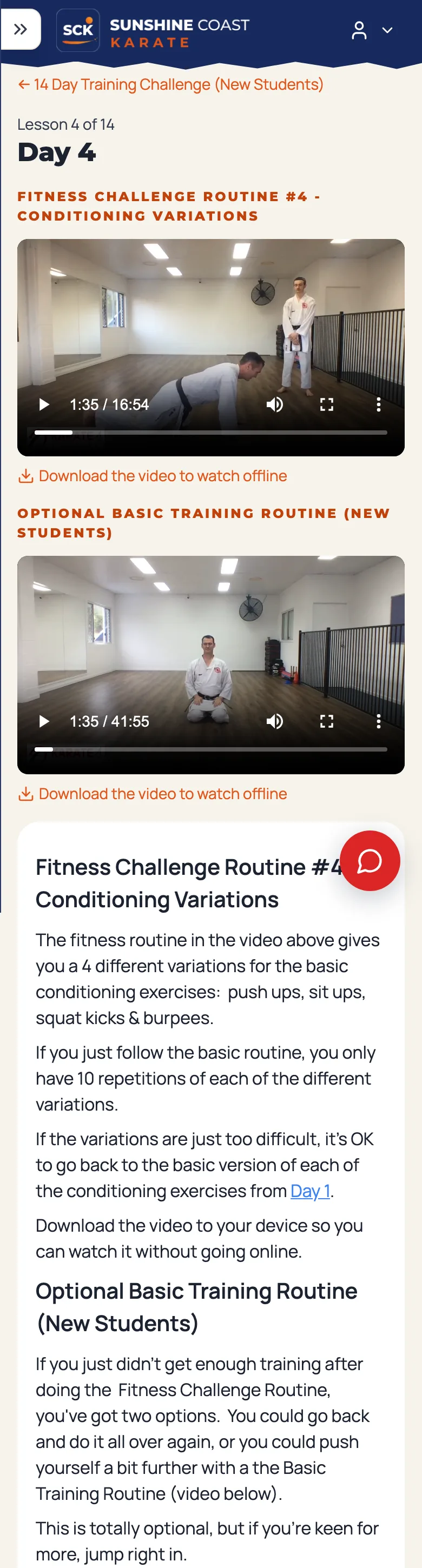
The adult challenges have two videos a day for 14 days: a basic training routine that stays the same each day, and an optional fitness challenge that changes. Little Champions is built for a child and a parent to do together, with a video each day plus a joke to share, colouring sheets, word puzzles and a tracking sheet to fill in. Altogether there are about 126 videos, most of them around 250 MB, kept in cloud storage rather than on the website itself.
The course plugin did its job, but it had no idea who our students were. Anyone who could log in could open every course. Only the description said which belts a course was meant for.
From a list of links to proper courses
Dojo Manager already had an Edojo, but it was just a list of files and links, each tagged with one belt. Nothing put the days in order, and nothing said you’d done one.
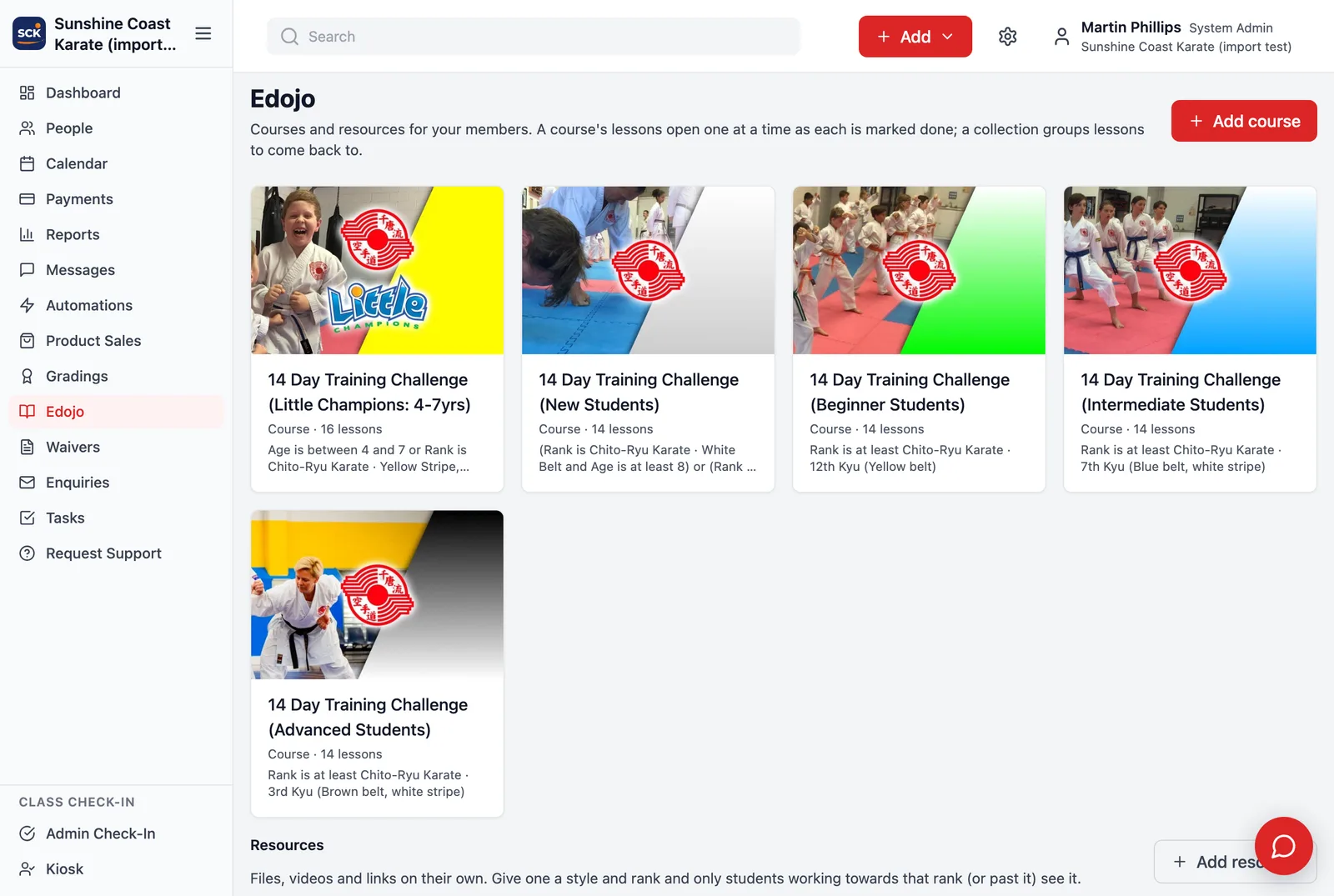
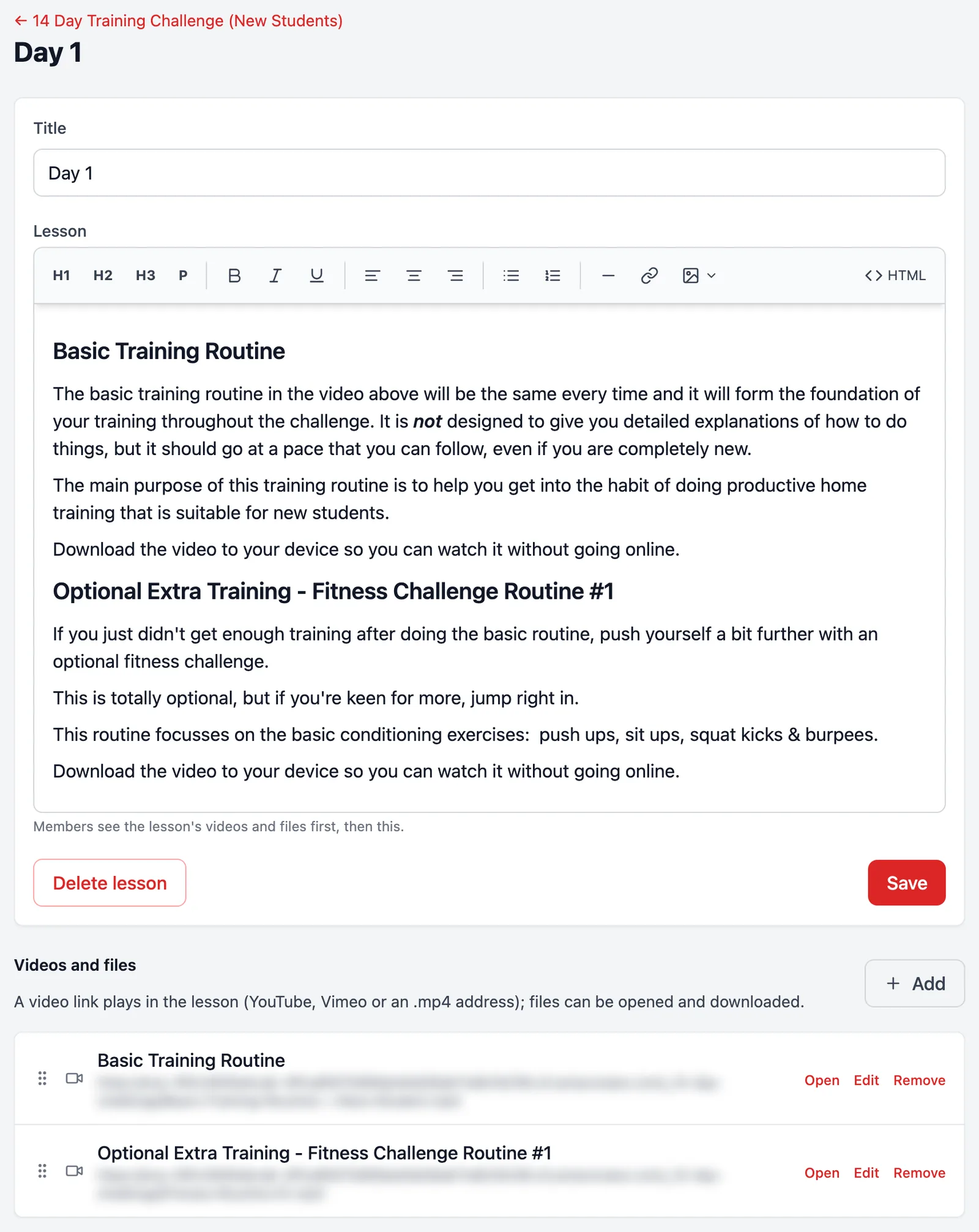
Now a dojo can make courses. A course is a set of lessons in order, and each lesson has its videos, its text and its downloads. A member marks a day done and the next one opens; a Start again button clears their ticks, because these challenges are meant to be done more than once. For things you come back to rather than work through, like a kata library, there are collections: lessons grouped together, with nothing locked and nothing to tick.
Who sees which course
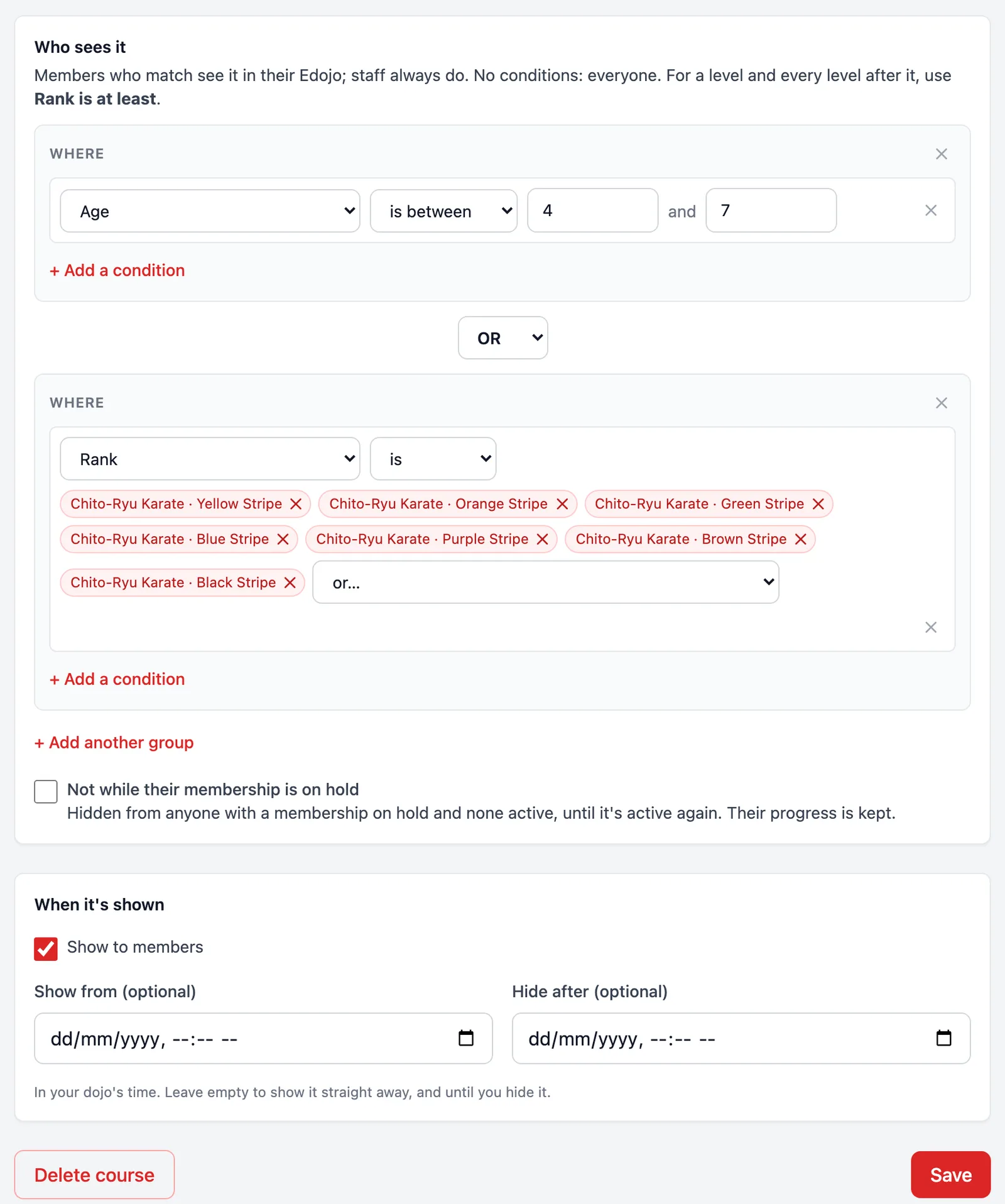
The rule I wanted was simple to say: a student sees the challenge for their level and every level before it, so a brown belt can still go back to the beginner course. Dojo Manager already has a rule builder for finding people and running automations, so courses use that instead of a new way of describing it. “Rank is at least 12th Kyu” covers every yellow belt and up.
The rank list had a wrinkle. Our kids’ stripe ranks sit between white belt and the first coloured belt, so “at least white belt” would have shown the New Students challenge to every five-year-old. New Students became “white belt, or yellow and up, and aged 8 or over”. Little Champions went the other way: “aged 4 to 7, or any stripe rank”. That way a child who has just turned 8 and moved up to the kids’ class, but still wears their stripe, can finish it.
Two settings came later, once we started talking about how we’d actually run it. A course can be shown between two dates, so the challenges open on 1 December and close at the end of January, over the school holidays. A course can also be hidden from anyone whose membership is on hold, until it’s active again.
Moving 72 lessons without copying 30 GB
The videos stayed where they were. Dojo Manager plays them straight from cloud storage, so copying about 30 GB onto our own server would have cost space and gained nothing. Everything else was copied in: the PDFs, the activity sheets and the pictures, because the WordPress site they lived on is being rebuilt (that’s its own story).
- Only what members saw. The plugin counted 18 lessons in one course where members saw 14. The extra four were drafts nobody had ever seen, so I brought across the 72 published lessons and nothing else.
- The lessons were behind a login, so a script couldn’t just fetch them. I exported them from my own signed-in browser into a file, then a one-off import built the five courses from it, hidden until we’d checked them.
- The first export missed half the videos. Each lesson’s main video sits in the page’s template, not with the lesson’s own content, so it wasn’t where I looked.
- Five downloads were already broken on the old site. We found three of them, colouring sheets, and rebuilt them with our own logo in place of the old one.
Two surprises along the way
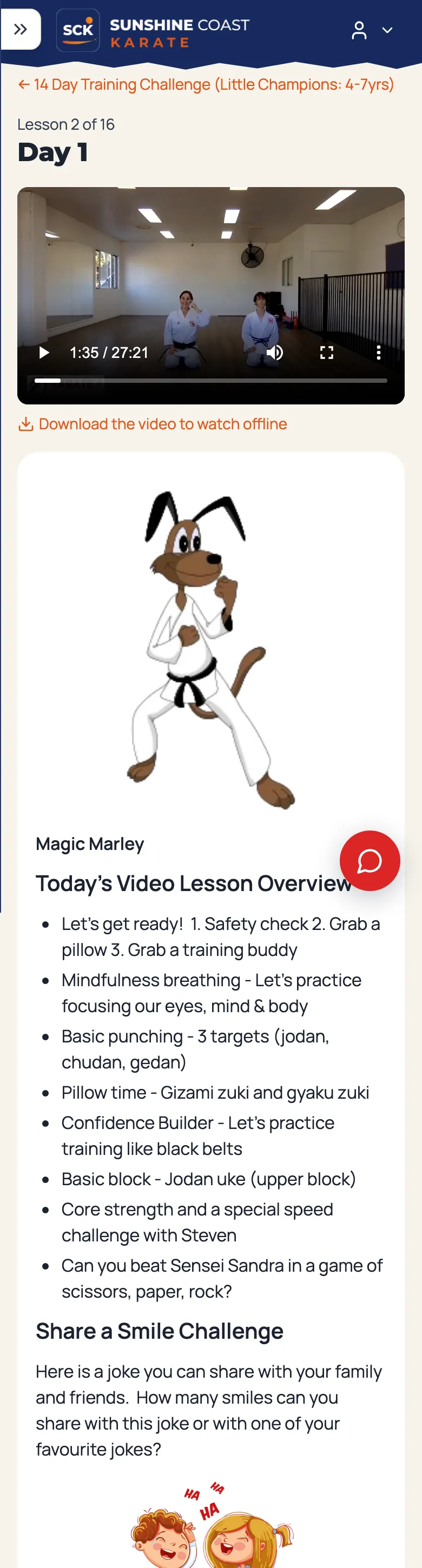
Magic Marley on a black background. Magic Marley is the Little Champions’ cartoon dog, and the kids count how many times he appears. In Dojo Manager he showed up on a black square. The old site had been quietly showing browsers a different copy of each picture, made by an image optimiser, and only that copy kept the see-through background. The original file underneath really was black. The import now takes the optimised copy.
YouTube’s “Error 153”. A couple of lessons use YouTube. In Dojo Manager they showed an error instead of the video. YouTube now refuses to play an embedded video unless the page tells it which site it’s on, and Dojo Manager doesn’t share that by default. The video frames now do; nothing else does.
What members see
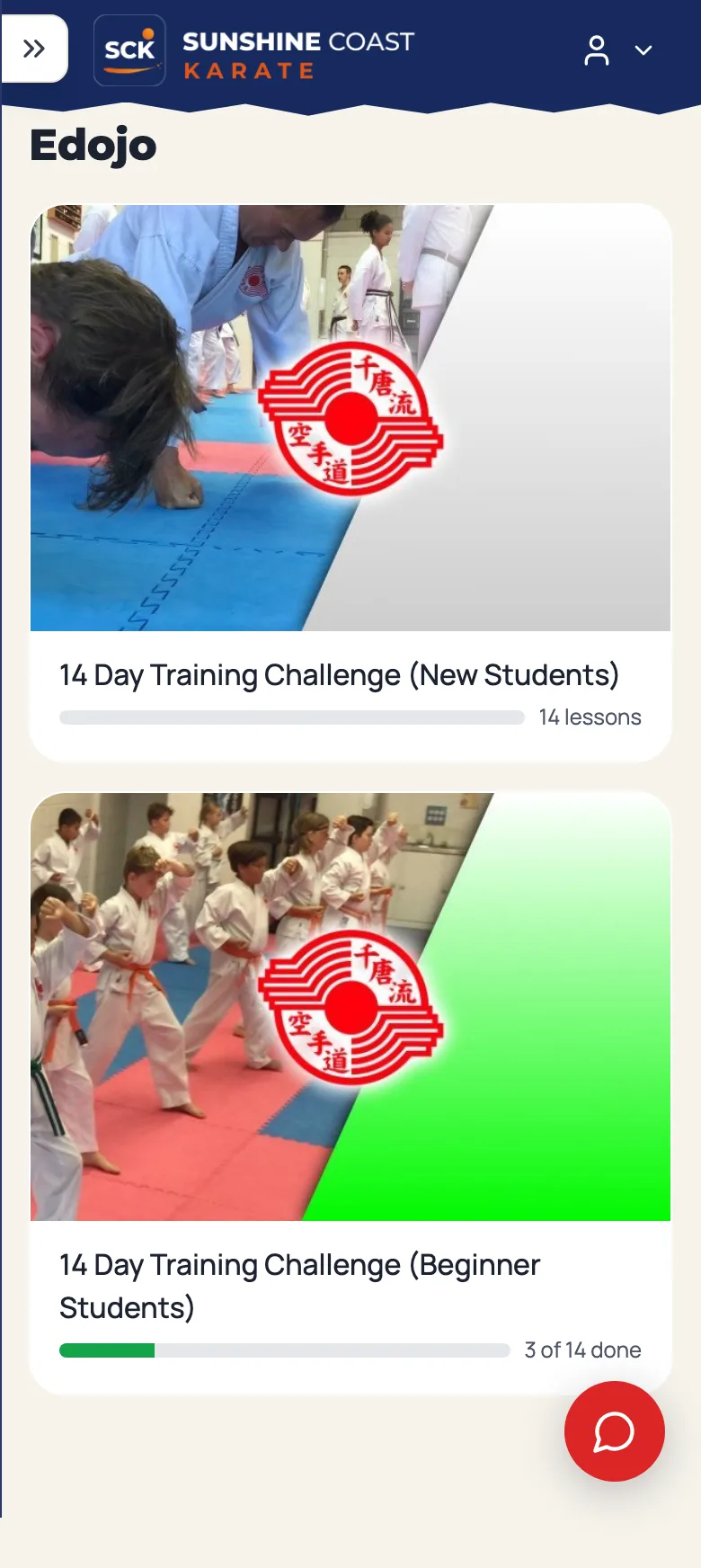
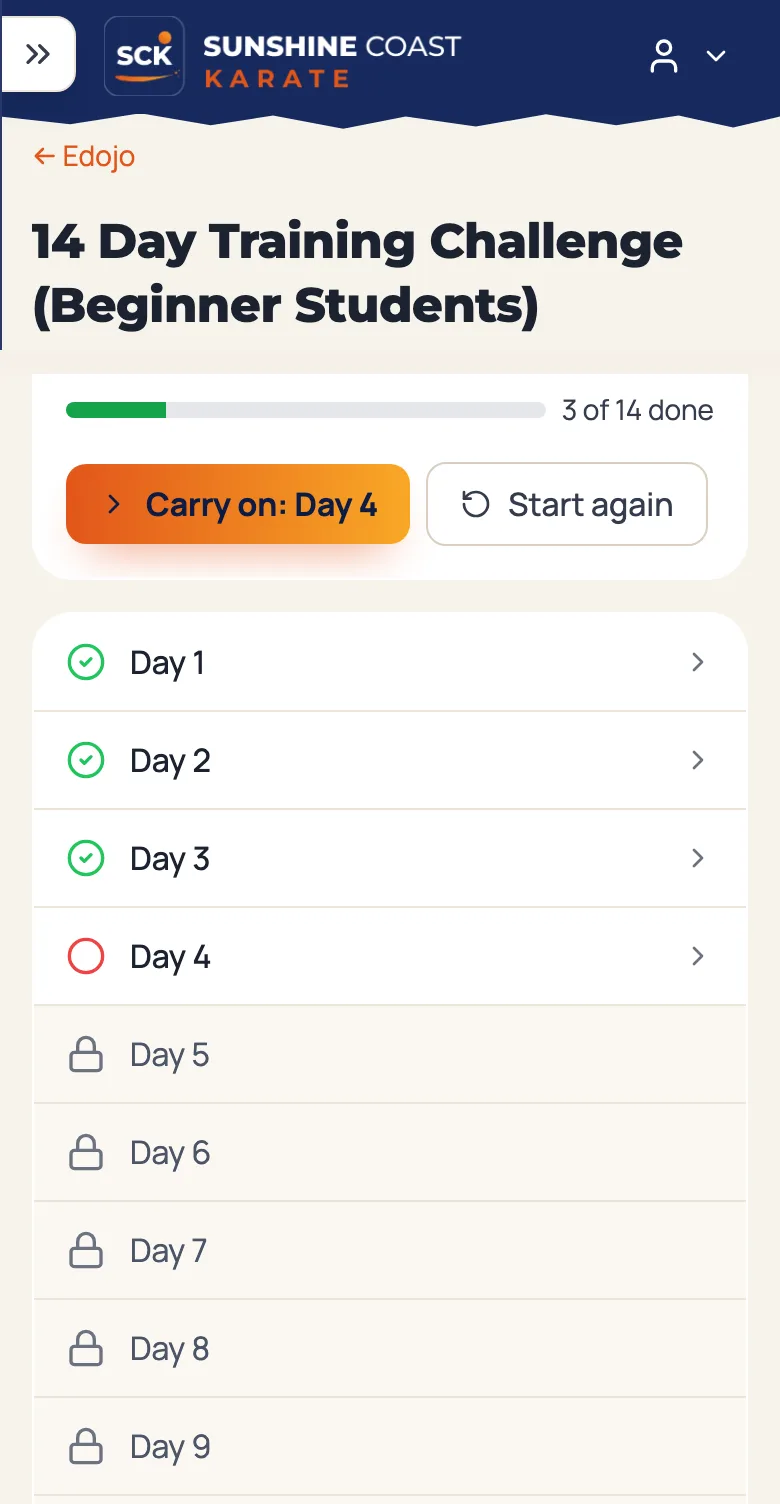
On a phone, members see the courses meant for them, each with how far they’ve got. A course shows which days are done, which one is next and which are still locked, with a Carry on button that takes them straight to the right day. Under each video there’s a link to download it and watch offline, which the old courses offered too. Parents switch between their children, and each child has their own ticks.
What’s next
The challenges open to our members on 1 December. After that, I’ll be watching how many people actually start a course, and how many finish one. If you missed them, the earlier posts cover grading in Dojo Manager and who can do what at your dojo. If you run a dojo and would like to hear when Dojo Manager is ready, get in touch.