Every app reaches the point where someone needs to tell you something is wrong. The default answer is an email address in a footer, and it’s a bad one. The message arrives with no idea which app, which version, or which screen the person was on. It sits in an inbox next to invoices. Nobody can see whether it was answered, least of all the person who sent it.
I had that problem across several apps at once, which is usually the sign to build the thing properly and reuse it.
One widget, many apps
Support by AccessNow is a help desk that any app can drop in with a single line of script. The app identifies itself with a public key, so a message arrives already tagged with which app it came from and what the person was looking at. Each app is its own tenant with its own tickets, and the same install serves all of them.
Being a widget rather than a link matters more than it sounds. The moment someone has to leave what they’re doing, open a mail client and describe where they were, most people simply don’t bother — and you lose the report you most wanted.
Anonymous by default
The widget on this site doesn’t ask you to sign up. That was a deliberate constraint, and it shaped the design: the app the widget is embedded in never holds a secret key, the support system accepts anonymous requests, and it only accepts them from origins that have been listed for that app. A request carries what you typed and nothing you didn’t choose to give.
It had to survive a real cutover
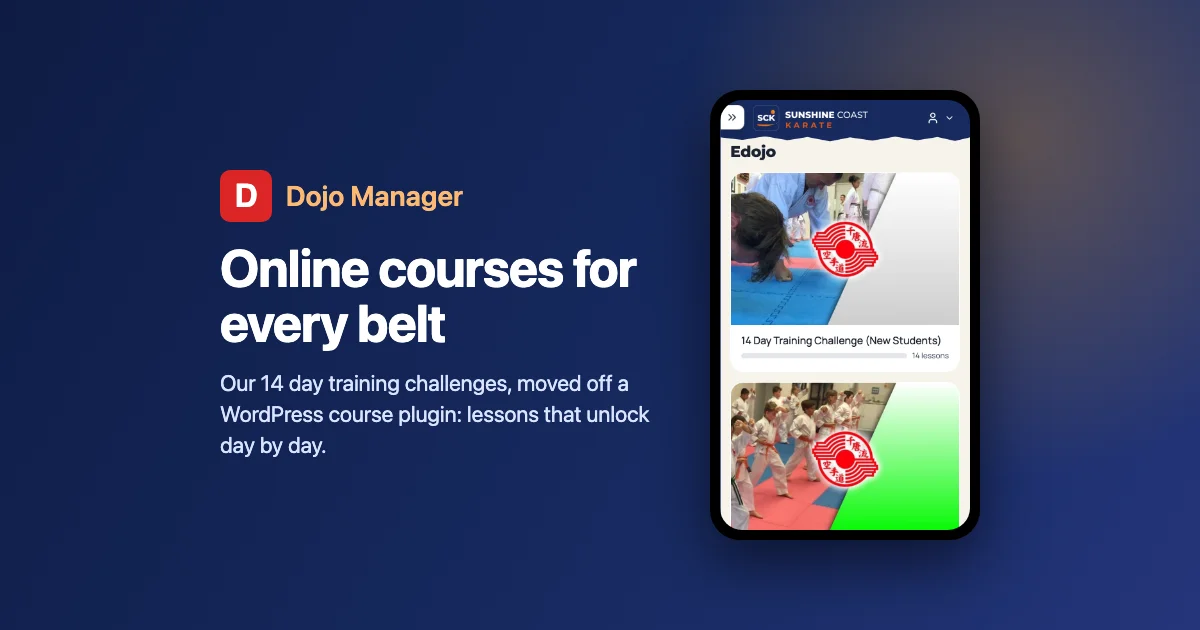
The test wasn’t a demo, it was moving a live system onto it — a karate training app with real users who are not going to file a tidy bug report. That’s the useful kind of test: it tells you whether the reply flow works when someone writes three words and a screenshot, whether the notification arrives, and whether you can find a conversation again a week later.
The pattern I’d recommend to anyone building more than one app: decide once where “something is broken” goes, make it two clicks from inside the app, and make it visible to the person who reported it. The Support project page has the details.