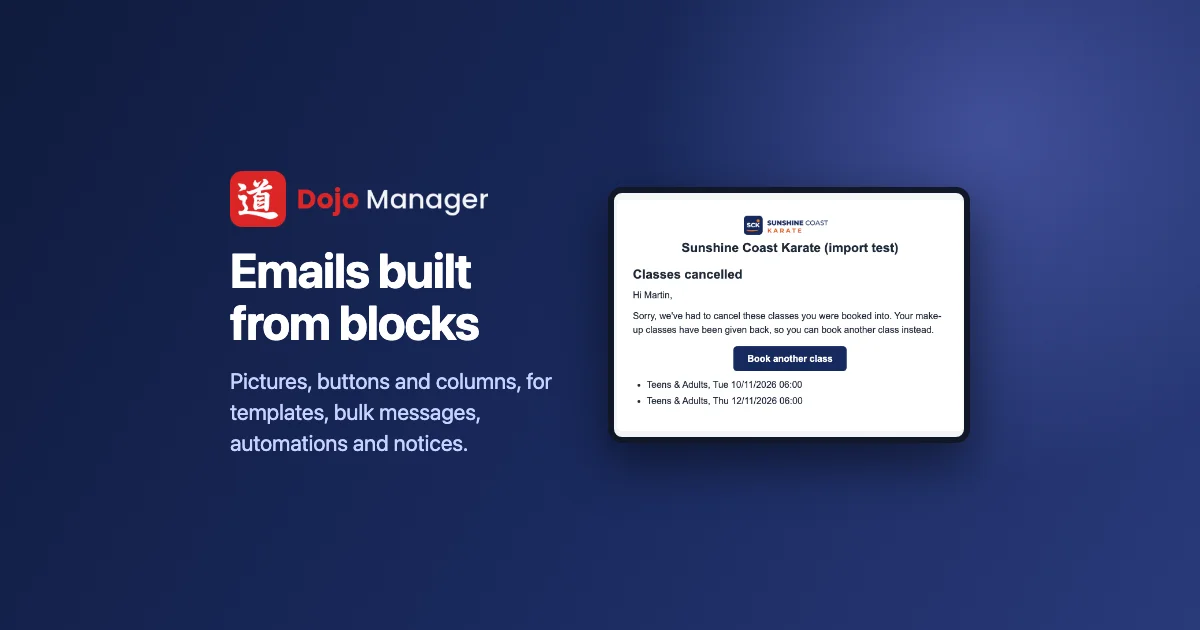
Emails in Dojo Manager, the app I’m building to run our karate school, can now be built from blocks: pictures, buttons, columns, boxes, the dojo’s logo, social links. It’s the same kind of email builder the newsletter services have, inside the app that already knows every student, family and class. One email template can now be a welcome email, a grading notice or a newsletter that looks the part, and the same template works for one person, a whole class, an automation or a waiver invite. This is how it came together in a day, in five parts.
Every email looked the same
Until now, every email Dojo Manager sent came out of one rich-text box: words, a link, perhaps a picture. That’s fine for “see you on Tuesday”. It’s not fine for a welcome pack, a newsletter, or a notice that a class is off, where you want the dojo’s logo at the top and one big button that says what to do next.
The day before, Edojo’s online lessons had got a block editor: click into the page and type, with a panel of settings beside it. Seeing it work, the obvious next question was why emails couldn’t have the same thing.
The same editor, but email isn’t a web page
Reusing the lesson editor gave me the hard parts for free: typing on the page, dragging blocks around, undo and redo, the library of pictures. What couldn’t be reused was the result. A web page can rely on a modern browser. An email has to look right in Gmail, in Outlook, in Apple Mail and on a phone, and some of those ignore most of what web pages do.
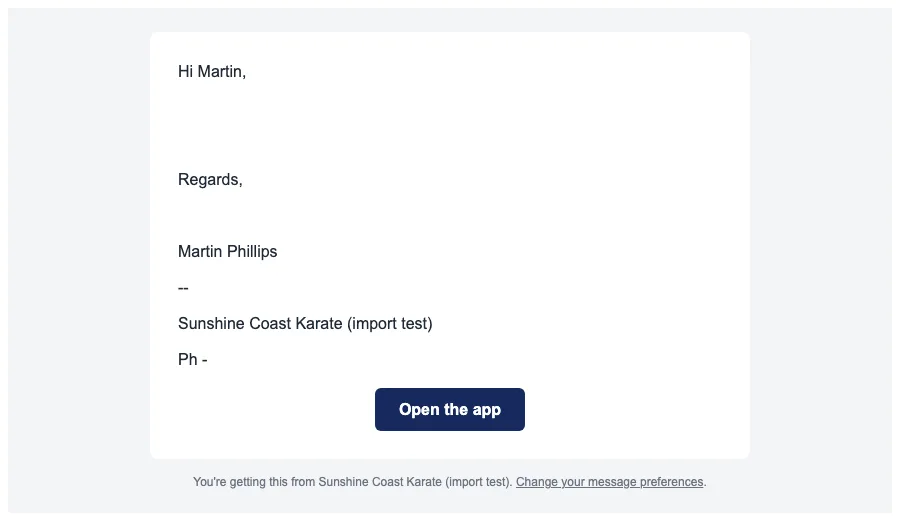
So the editor shows you a friendly page, and what’s actually sent is built the old-fashioned way email still needs: a 600-pixel-wide layout, every colour and size written onto each piece rather than in one style sheet, buttons drawn as coloured table cells so Outlook can’t flatten them, and columns that stack one under another on a phone. A video can’t play inside an email, so a video block is its picture with a play button that opens it. Gmail cuts off any email over about 102 KB, so the editor warns you well before that, at 90 KB. A typical email with a few blocks is around 2 KB.
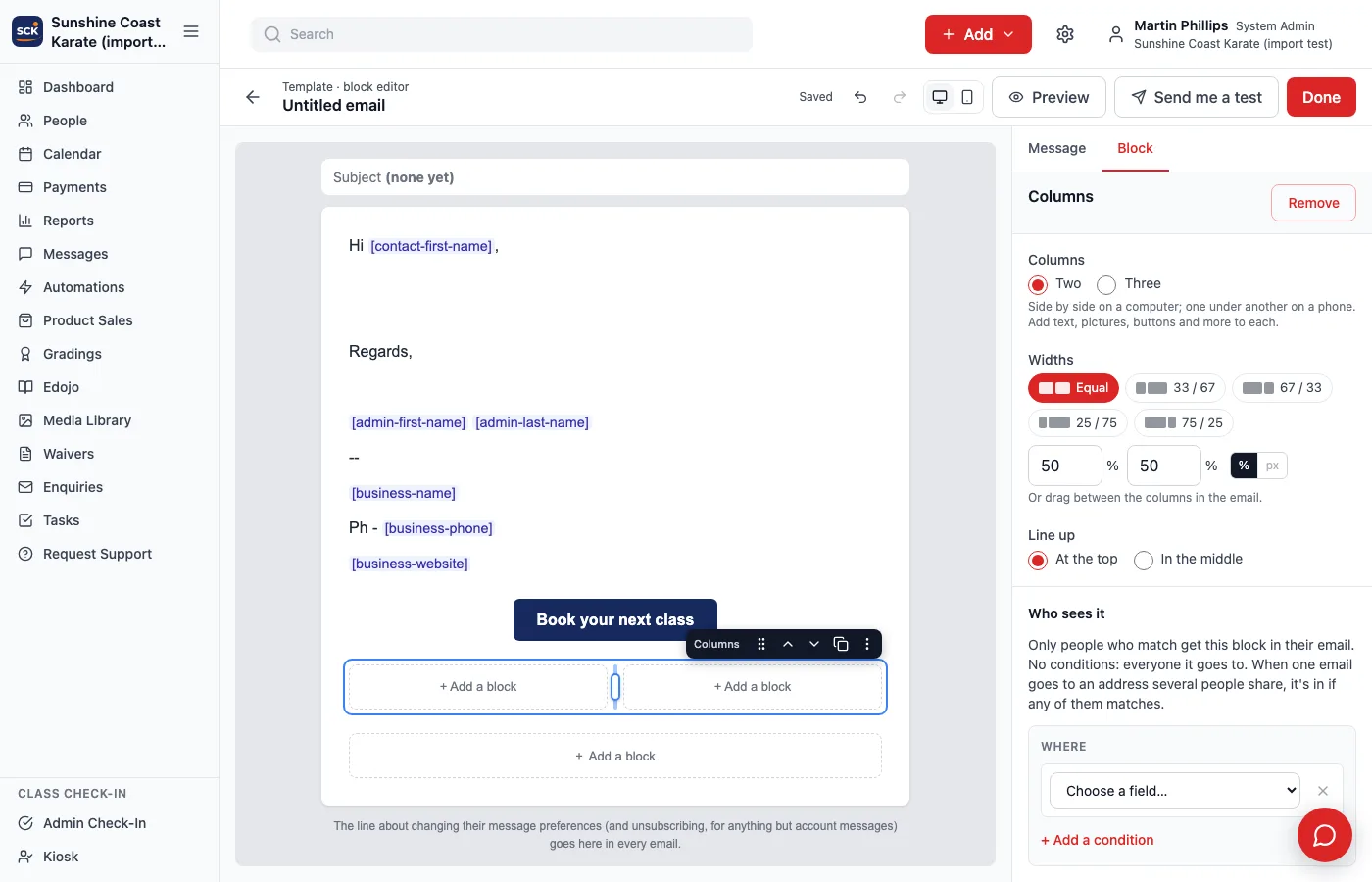
There are 13 kinds of block, and every merge tag that already existed is in the editor’s menu, from a contact’s first name to a grading’s RSVP link. That was a firm rule from the start: nothing that works in a basic email should be missing from a block one.
Two decisions shaped the rest. You choose Basic or Blocks for each email, because a two-line reminder doesn’t need a designer. And an email can move from Basic to Blocks but never back: turning a designed email back into plain text would quietly throw its layout away, and nobody would notice until it went out. The quiet part that made it safe: every change in the editor also saves the finished email, so everything in Dojo Manager that already sent templates carried on working without changing a line.
One person, or a whole class
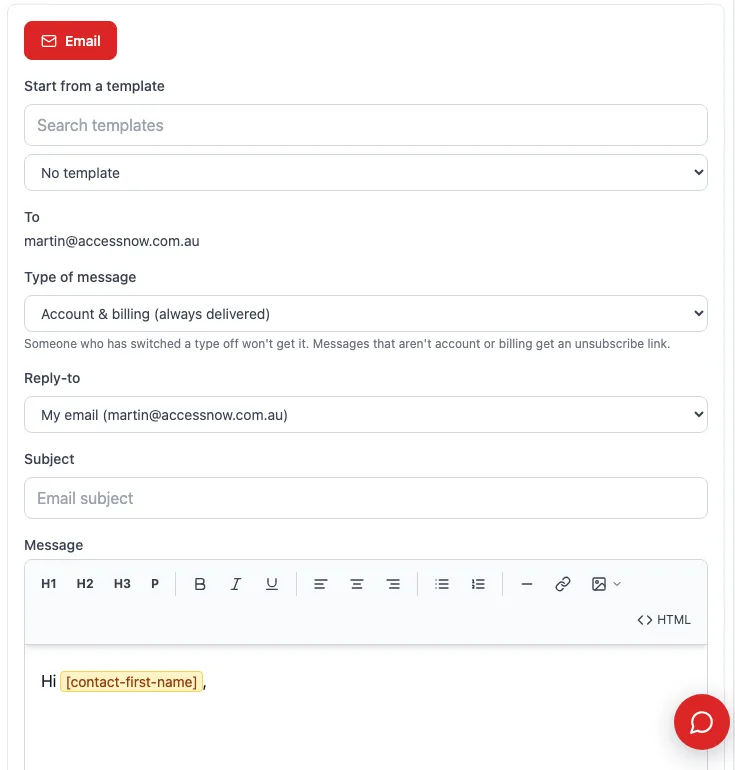
Templates were part one. Part two was the email you write to one student from their profile. Write with blocks takes what you’ve typed so far into the block editor, or a block template opens as a copy just for them. Preview fills in their real details, so you see “Hi Martin”, not a tag. If you leave without sending, the profile reminds you there’s an email you haven’t sent, with Carry on and Discard.
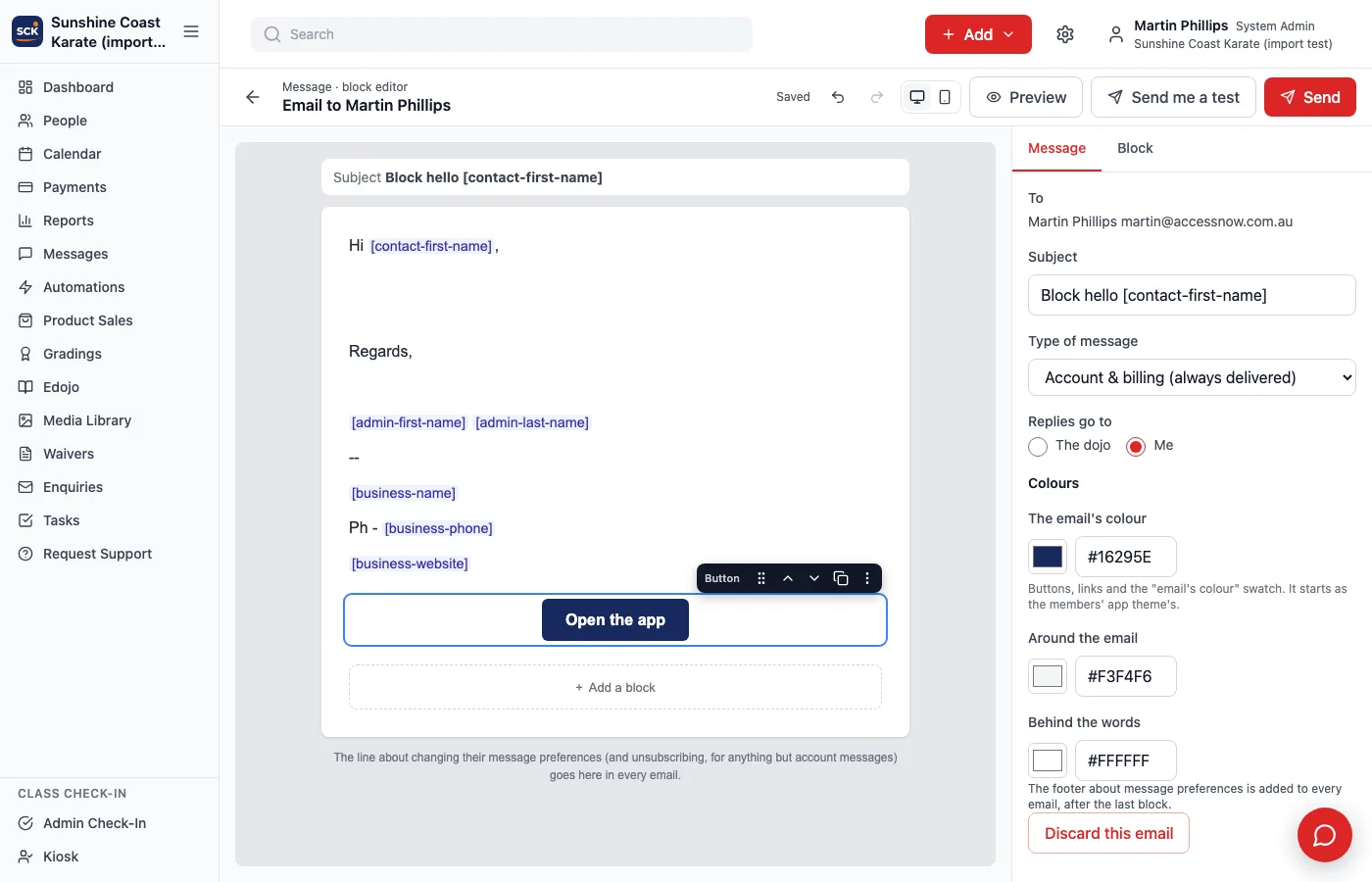
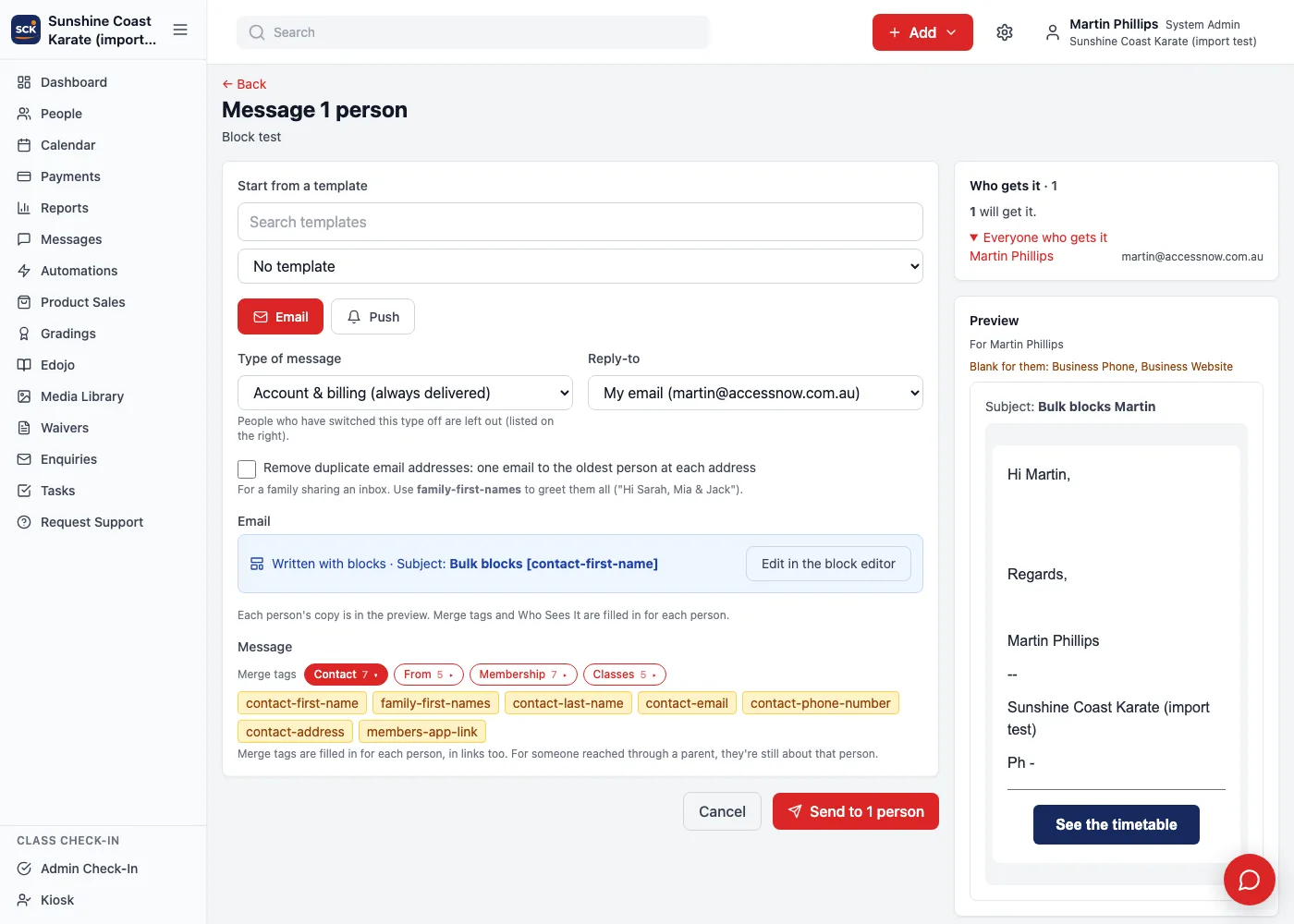
Part three was bulk messages: a whole class, everyone a report finds, a grading’s invitations. The block editor’s Done button brings you back to the bulk message, which shows each person’s own copy in its preview before anything is sent.
Who sees which block, when a family shares an inbox
Any block can be shown only to some people: a paragraph for parents of Little Champions, a box for anyone whose membership ends this month. That’s easy for one person. It gets interesting with families, because a mum and her two kids often share one email address, and Dojo Manager can send them one combined email instead of three.
The rule we settled on: a block is in the email if it’s meant for anyone at that address. The parent of a Little Champion gets the Little Champions paragraph, even though the email is addressed to the parent. Automations are the exception: an automation is about one person, so its email follows that person. I checked this through the real sending code, not a mock-up: a block for one person came through, a block for nobody didn’t, and nothing of the hidden block was left behind in the email.
A library, and who may change it
Some blocks belong in many emails: the dojo’s header, a “book your next class” button, a sign-off with the dojo’s social links. Those can be saved to an email block library, and a change there shows in every email using it.
That’s handy, and it’s also a lot of reach for one click, which came up halfway through the build. So placing a library block in an email only needs permission to send messages, but changing or deleting what’s in the library needs its own tick, Change the email block library. Administrators have it, and anyone else can be given it. It’s separate from the lessons’ library, because the people who write lessons aren’t always the people who write emails.
Automations, waivers and cancelled classes
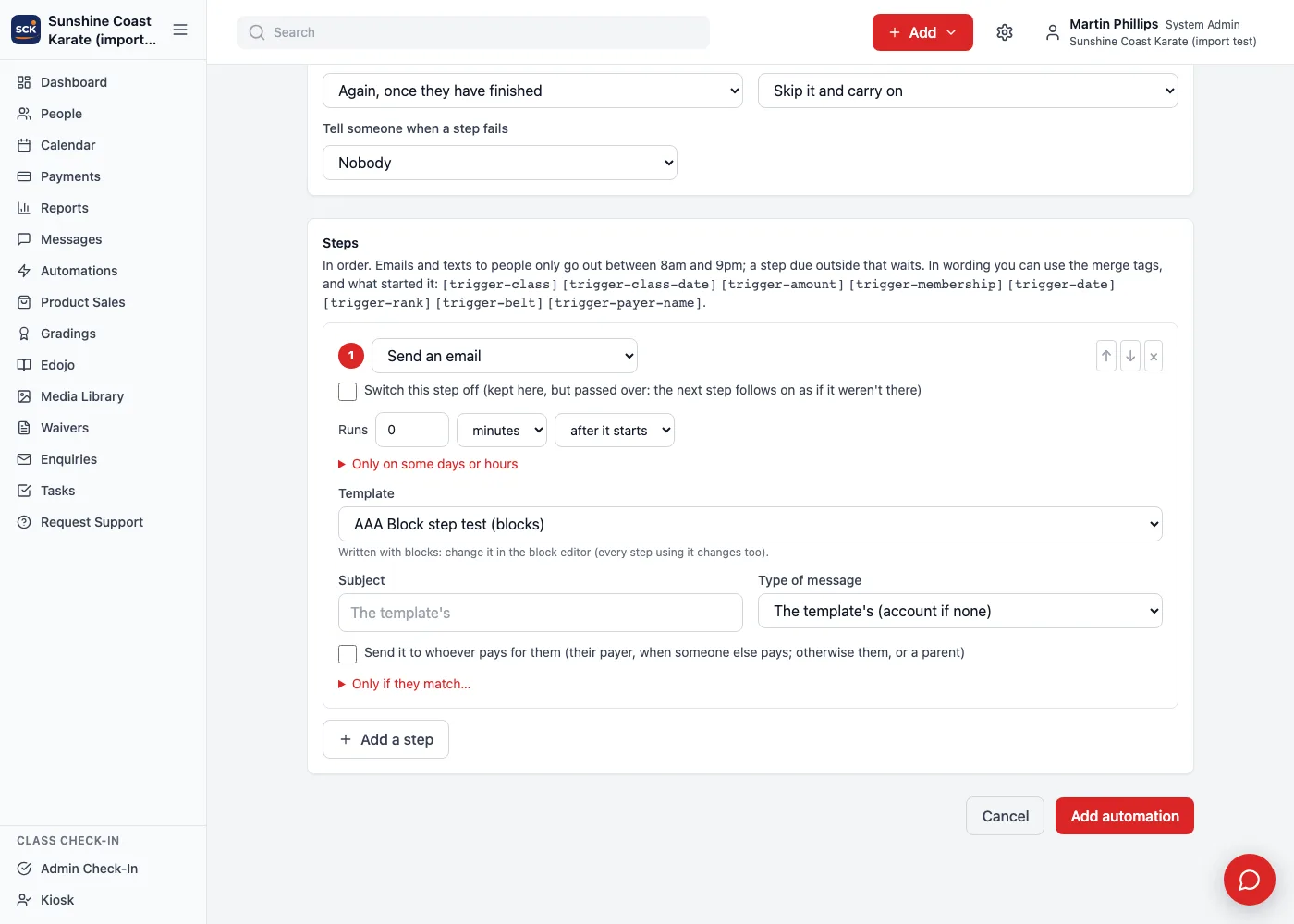
The last two parts took block emails everywhere else Dojo Manager sends something. An automation’s email step can use a block template. The step can still change the subject, but not the words, so changing the template changes every automation using it.
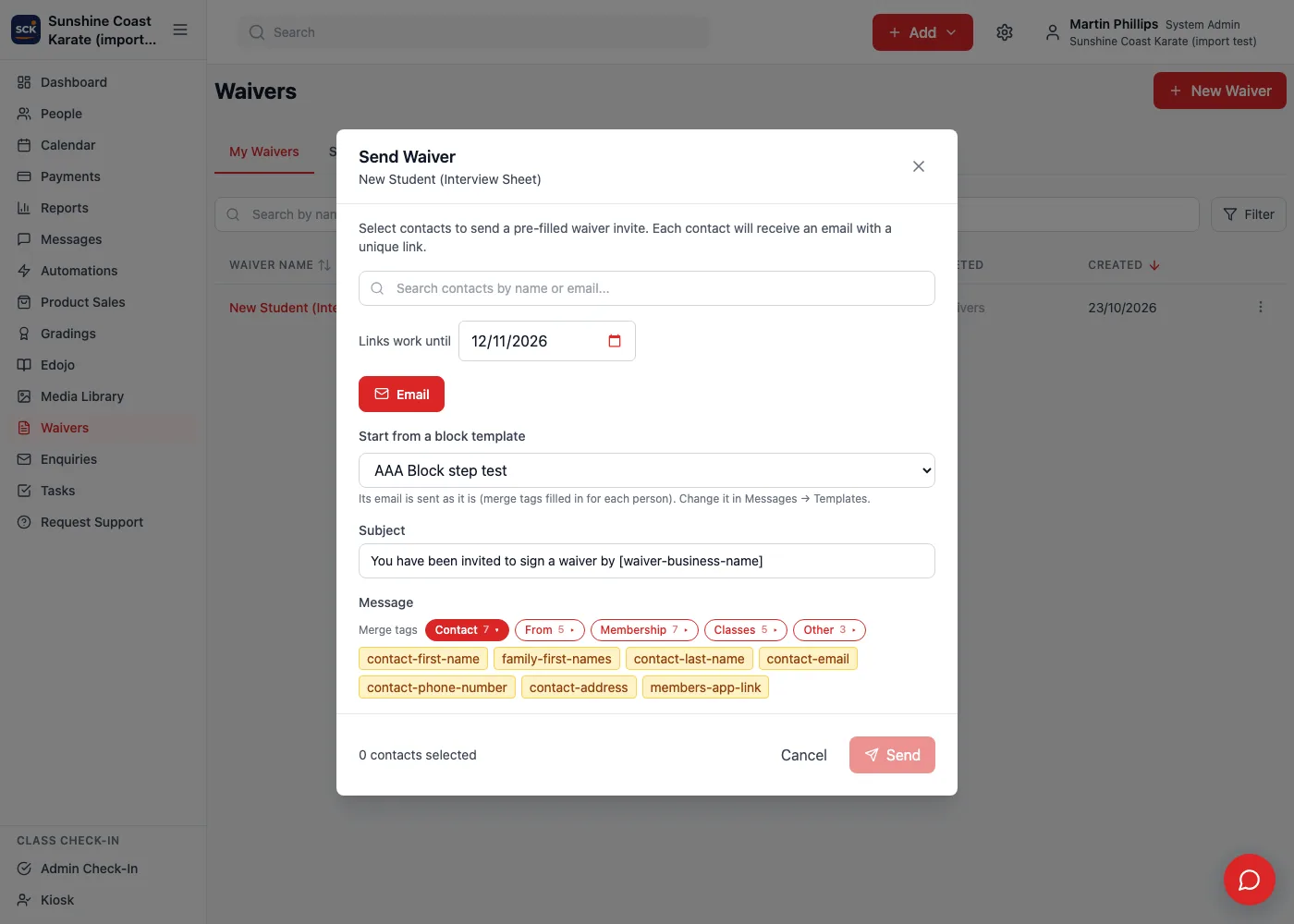
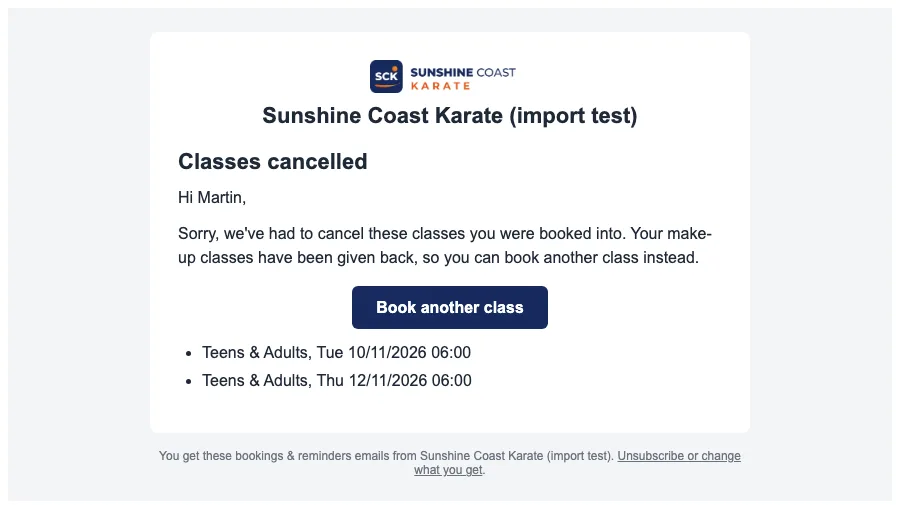
Waiver invites, holiday break notices and cancelled classes each have their own compose box, and each now has Start from a block template. Two things there cost time. A waiver invite’s button has to open each person’s own pre-filled waiver, so the link that normally appears as words had to become just the address inside the button. And a cancellation lists each person’s own cancelled classes after the message. With a block email, putting that list after the message put it outside the email’s white page, under the footer. It now goes at the end of the email’s words, where you’d expect it.
What’s next
Block emails reach Sunshine Coast Karate with the next update, and then they get their real test: the emails our families actually read. The earlier post on the block editor for lessons covers the editor this one is built on, and who can do what at your dojo explains the permissions behind the library. If you run a dojo and would like to hear when Dojo Manager is ready, get in touch.