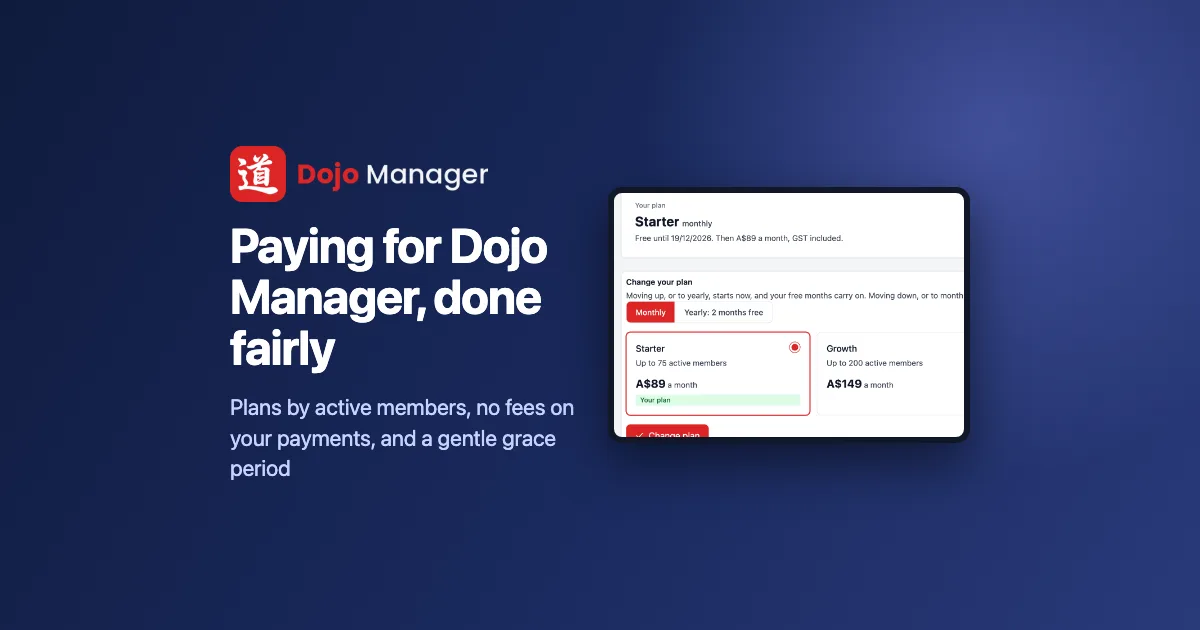
Updated 20 November 2026 with the current prices and free trial.
Dojo Manager, the app I’m building to run our karate school, is about to start taking on other dojos. That means it needs a way for them to pay for Dojo Manager: plans, a free trial, changing plans, and what happens when a payment fails. This post is how we built that billing in five steps over a day, and the rules we chose so it stays fair to the dojo owner, their staff and, most of all, their members.
The rules we started from
Before any code, we wrote down how billing should feel from a dojo owner’s side. A few things were fixed from the start:
- No fees on a dojo’s own payments. When families pay their dojo through Dojo Manager, the dojo deals with Stripe directly and we take nothing. Our only income is the plan.
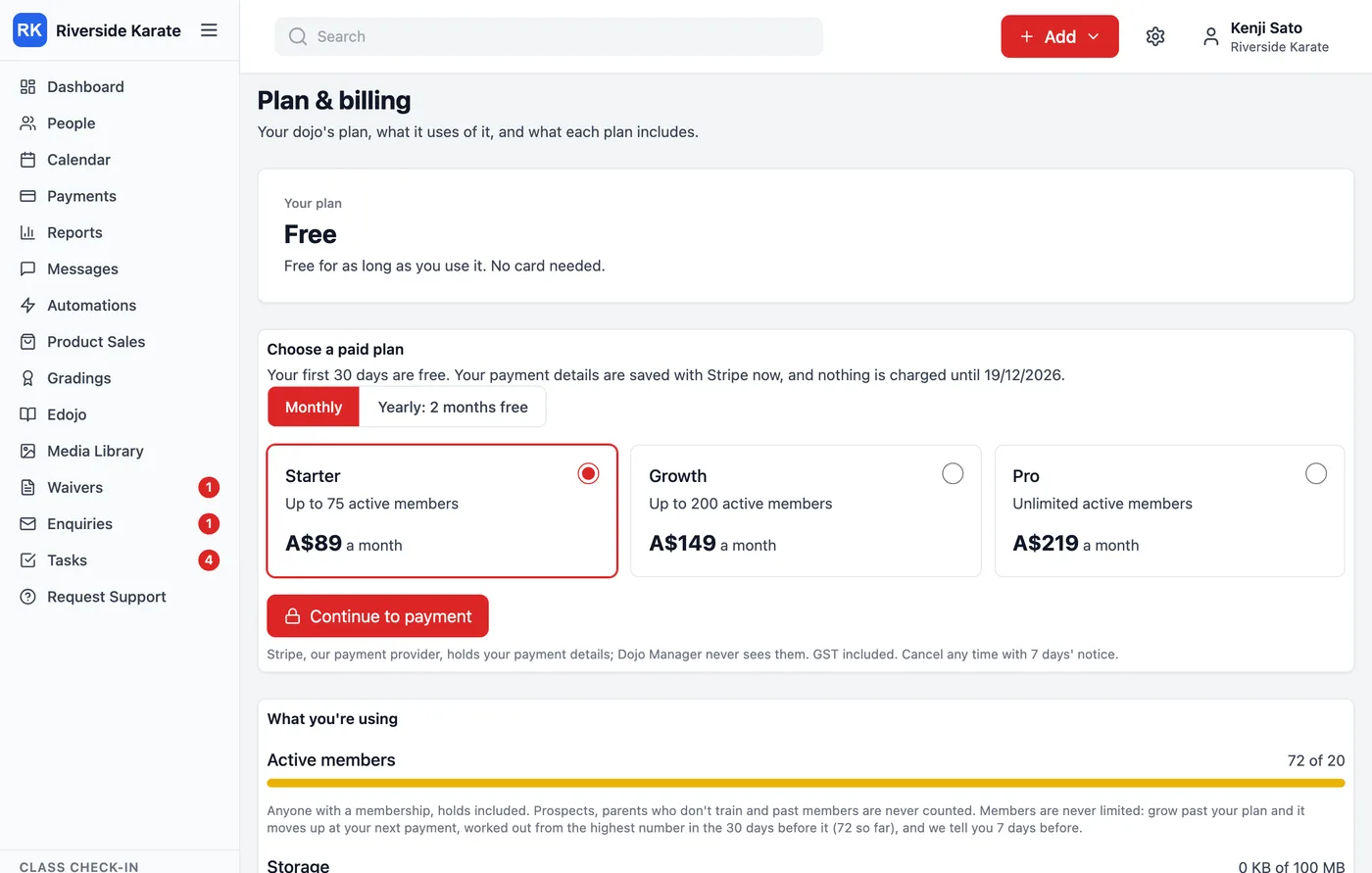
- Plans by active members. Free for up to 20, Starter A$89 a month for 75, Growth A$149 for 200, Pro A$219 with no limit. Paying yearly gets two months free. Prices include GST.
- Members are never limited. A dojo that grows past its plan is never stopped from adding a student. The plan moves up instead, and the owner is told a week before.
- Moving down needs the dojo to fit. A dojo with six saved reports can’t move to a plan that allows five until it removes one. Dojo Manager says exactly what doesn’t fit, and checks again on the day the move happens.
Only people with a membership count as active. Prospects, parents who don’t train and past members don’t, so a dojo isn’t charged for its enquiry list.
A free month, and nothing charged up front
Every dojo’s first paid plan starts with 30 days free. The owner saves a card or an Australian bank account with Stripe at the start, and nothing is charged until the free time ends. Dojo Manager never sees those details.
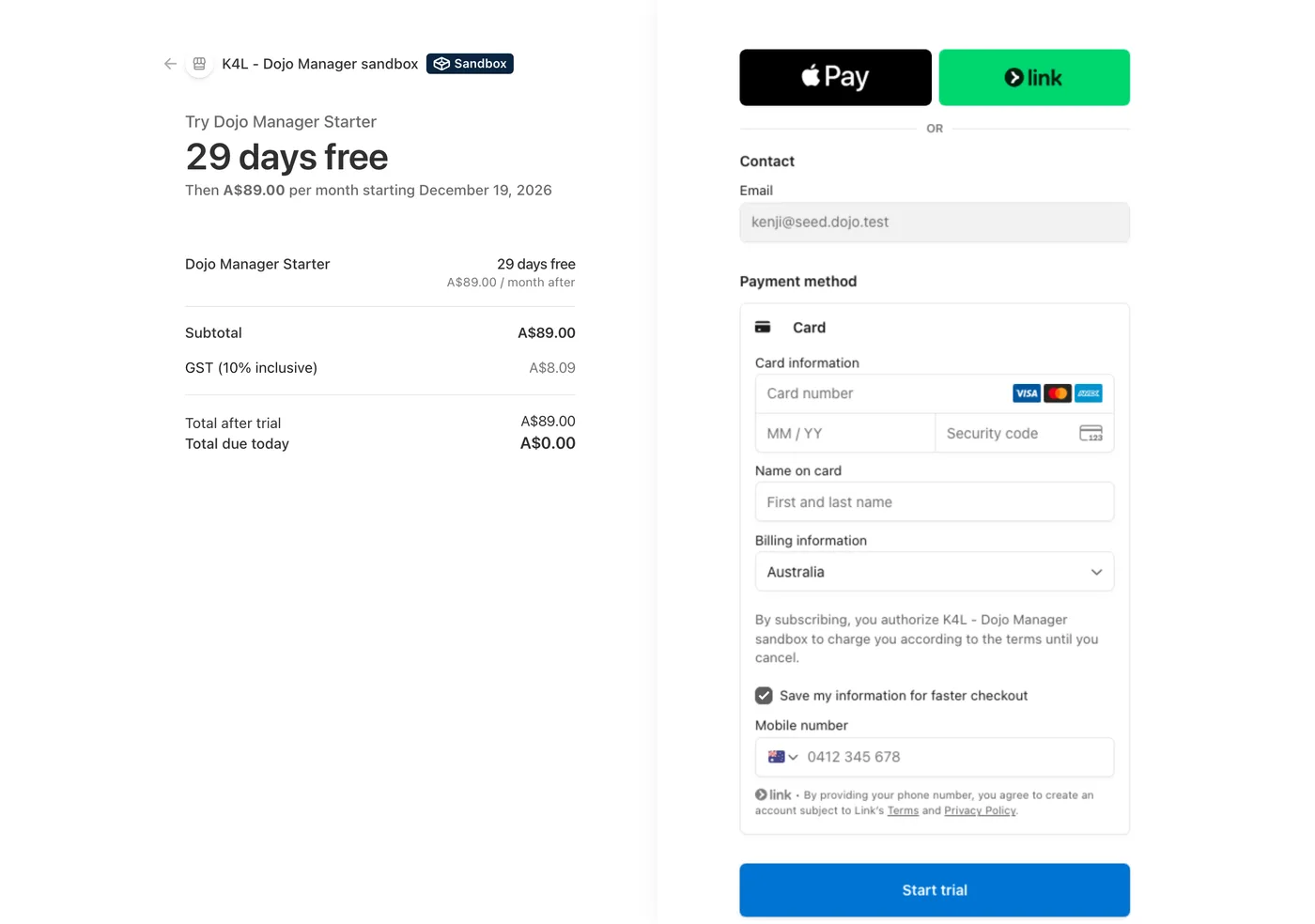
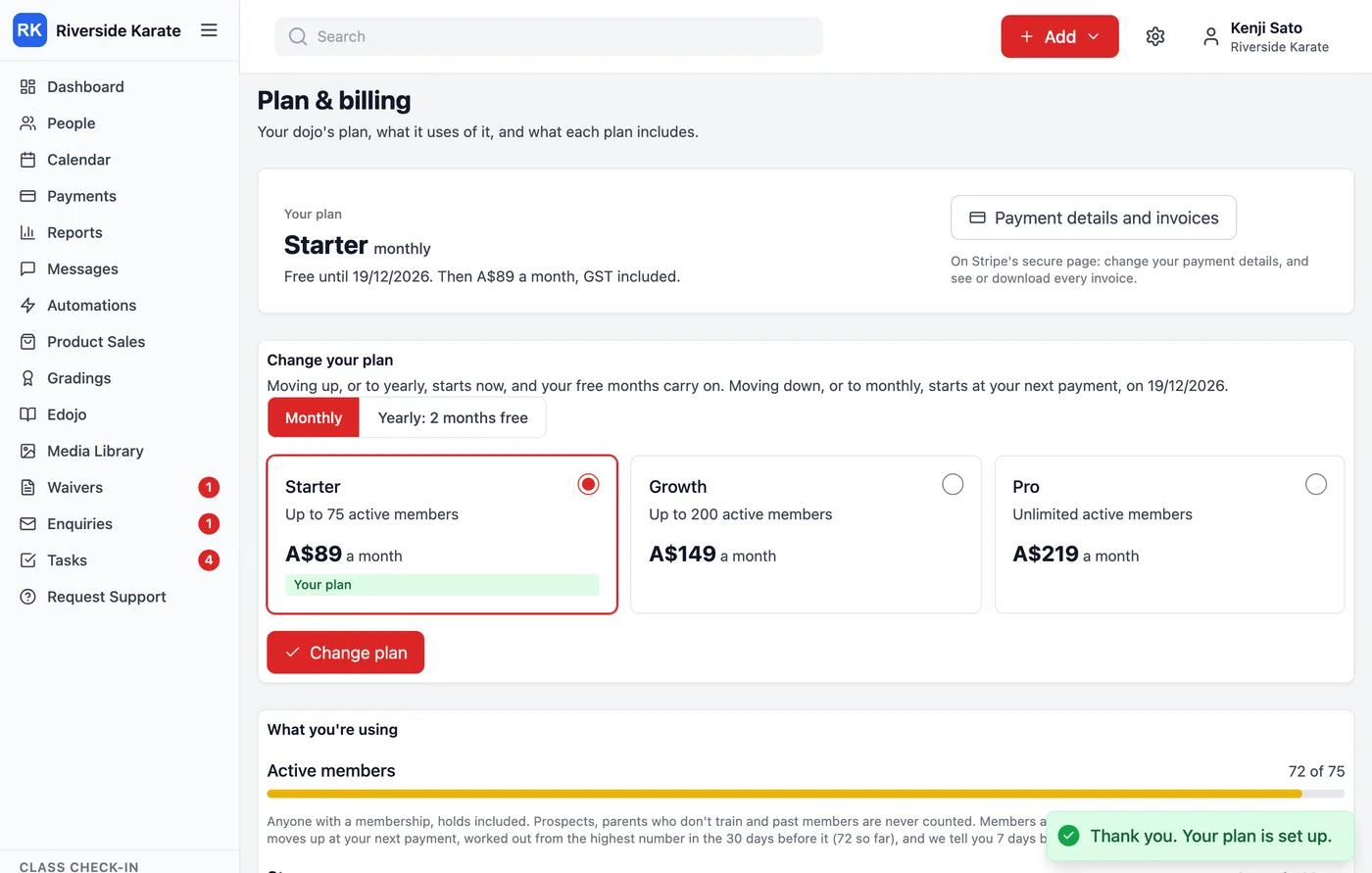
All the testing ran against Stripe’s sandbox, where nothing is real money but every step behaves as it would live. Starter came out at A$89 a month, with A$8.09 of it GST, and the free time ran to midday on 19 December, 30 days from the day we tried it. Stripe counts that as 29 days, because the first day was already part gone.
Moving up now, moving down later
Changing plans follows one simple rule. Moving up, or from monthly to yearly, happens straight away: the owner pays the difference for the rest of the period and gets the bigger plan now. In the sandbox, Starter to Growth charged A$60, and Pro from monthly to yearly charged A$1,971: a year at A$2,190, less the month already paid for. During the free month nothing is charged at all. Moving down, or from yearly to monthly, waits for the next payment, so nobody loses what they’ve already paid for.
One trap cost us time here. In an early test, an upgrade with a card that was declined still said the plan had changed and been charged. It hadn’t. Now an upgrade only goes through if the payment does, and a declined card leaves everything exactly as it was, with a message saying so.
Cancelling is leaving Dojo Manager, with at least seven days’ notice, and the plan runs to the end of the month or year that’s already paid for. We changed how that works after this post was written: plans, cancelling and reports has the details.
When a payment to us fails
This was the part that needed the most care, because a card expiring is ordinary, and the people who’d suffer most from a heavy-handed response are a dojo’s members, who have nothing to do with it. So it happens in stages:
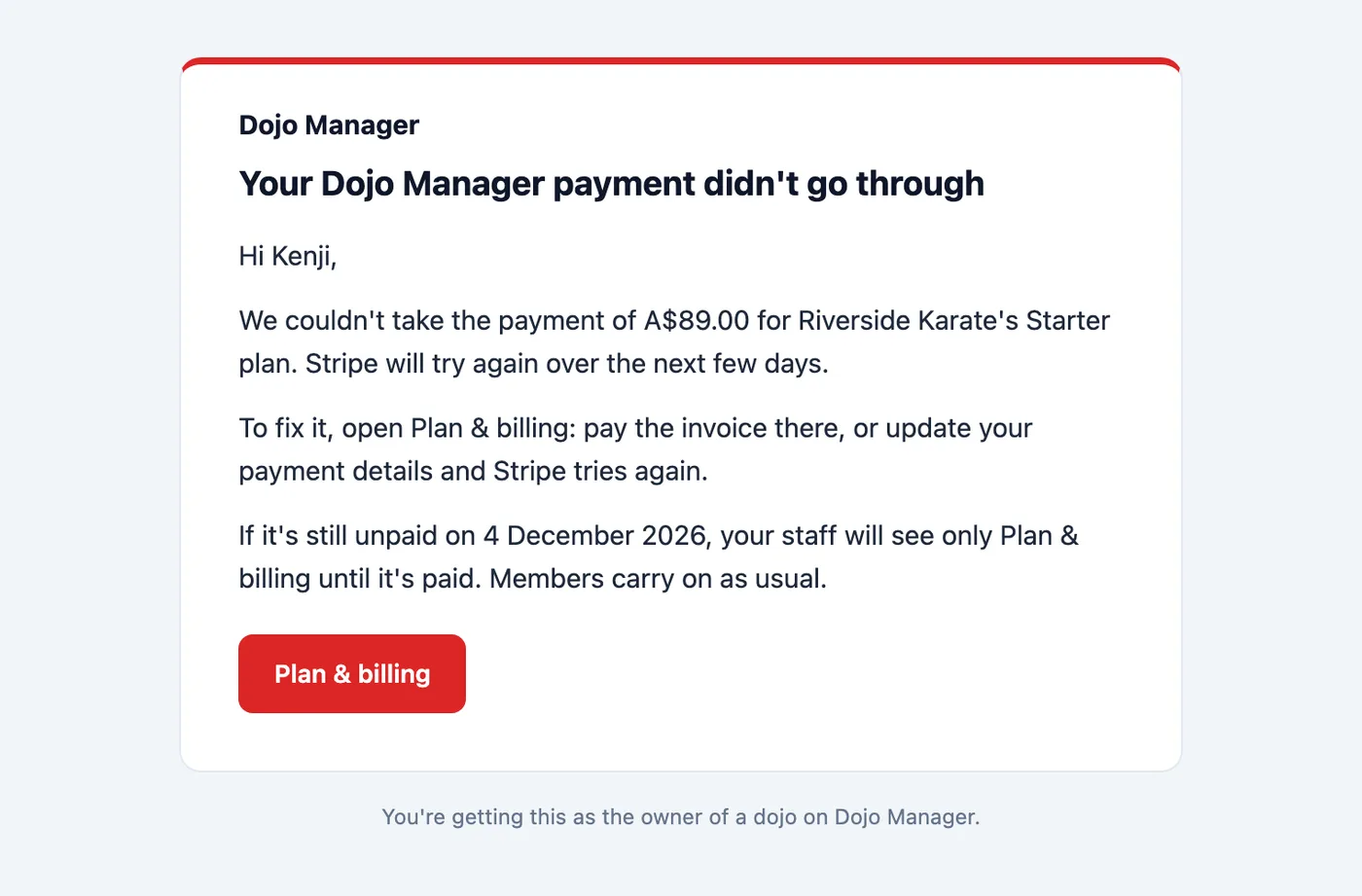
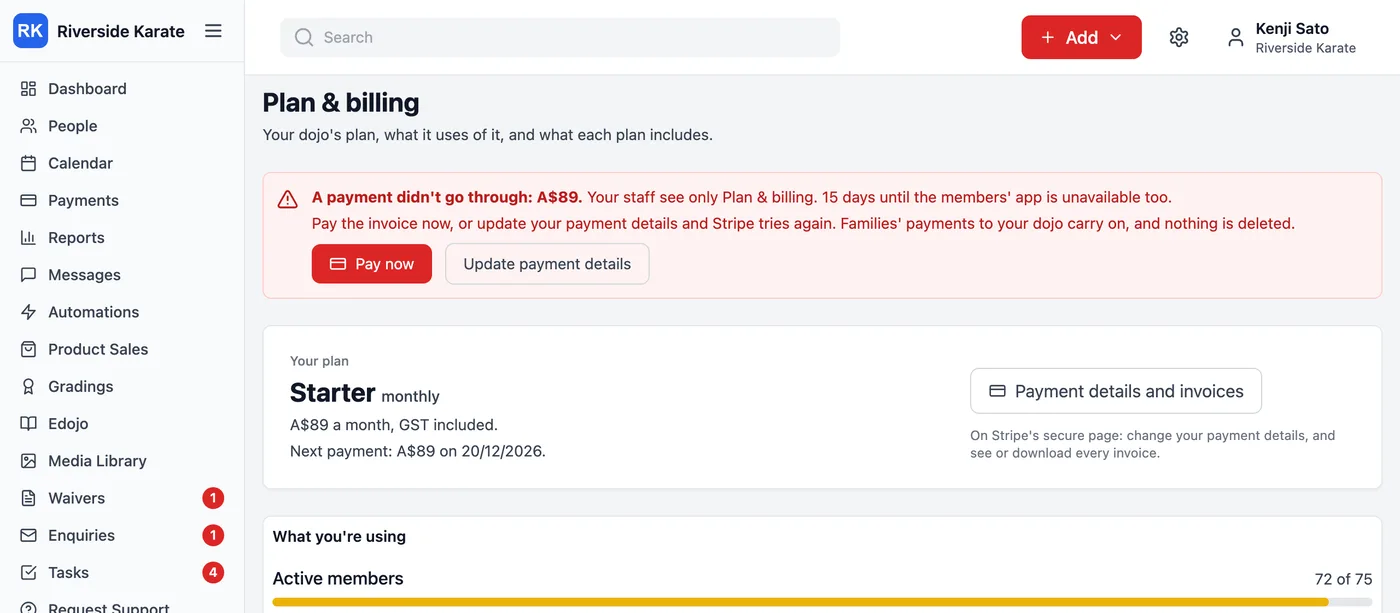
- Day 0: the owner gets an email, and Plan & billing and the dashboard show a countdown with a Pay now button. Stripe keeps retrying in the background.
- Days 7, 14, 21, 28 and 30: another reminder each time.
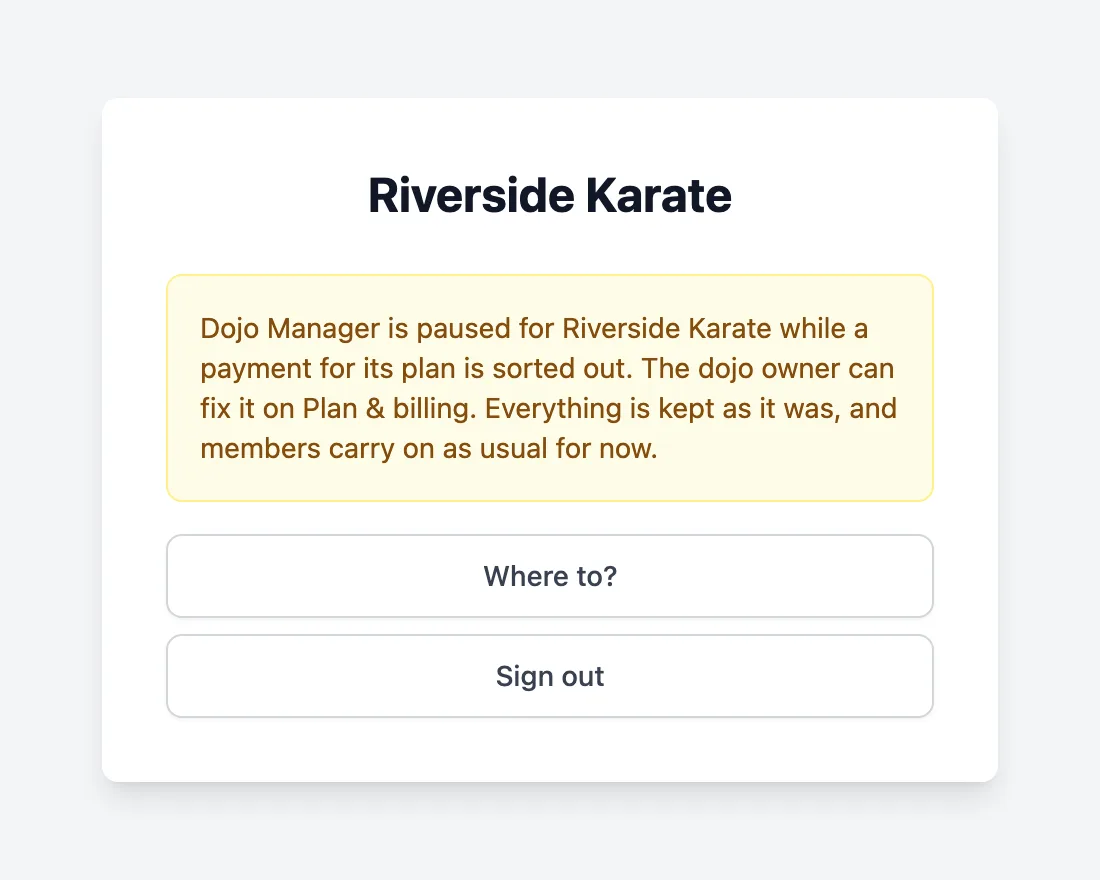
- From day 14: the owner sees only Plan & billing, and other staff see a short note that things are paused. A kiosk that’s already running in the dojo keeps working.
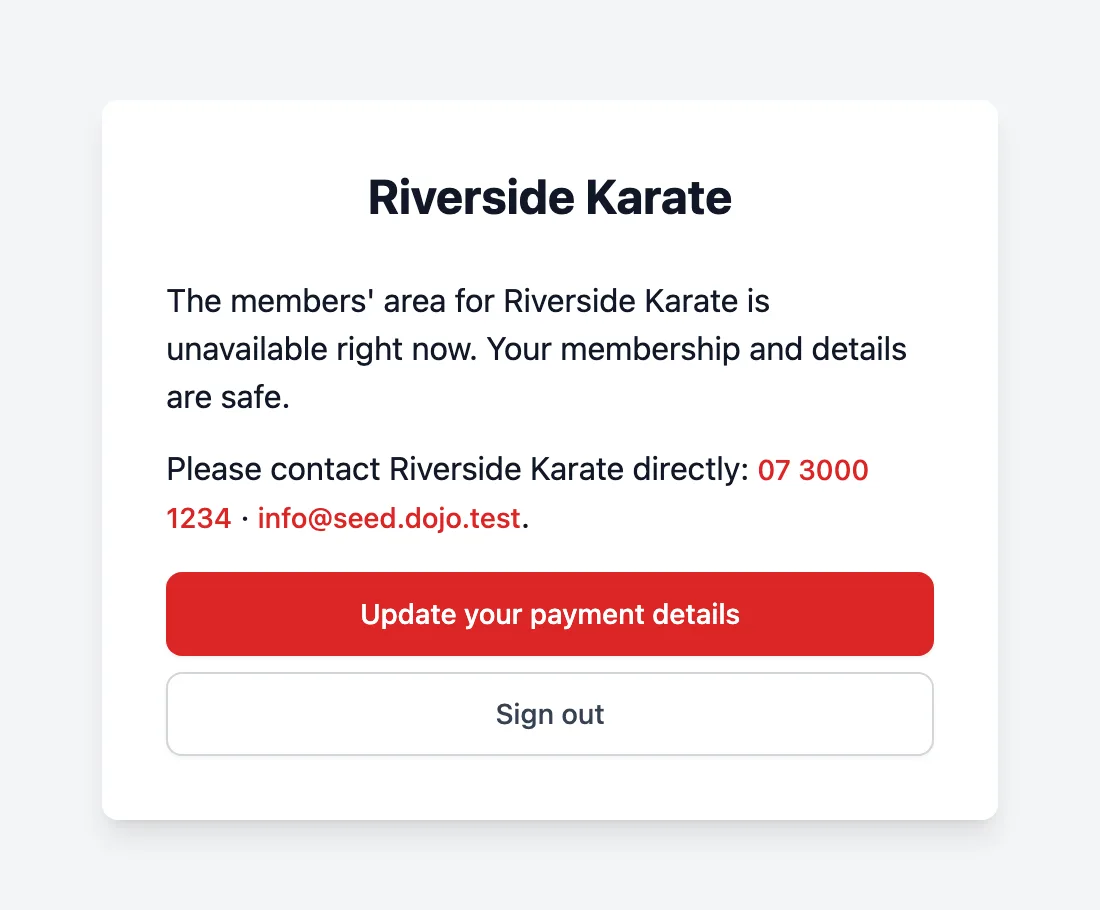
- From day 30: members see a gentle notice that the members’ area is unavailable, with the dojo’s phone and email. It never says why. Members can still update their own payment details.
Through all of it, families’ payments to their dojo carry on and nothing is deleted. The moment the invoice is paid, everything opens again and the owner gets a thank-you.
There’s one setting in Stripe that matters a lot here. By default, after its retries Stripe can cancel a subscription that’s never paid. We set it to mark it unpaid instead, so a dojo can always pay and pick up where it left off, rather than starting again.
Free dojos that nobody uses
A free plan attracts dojos that sign up, look around and never come back. We don’t want to keep those for ever, but we also never want to delete a real dojo by accident. So a Free dojo that nobody from the dojo has used for 60 days is archived, and the owner gets an email. If any of its staff sign in within the next 30 days, it’s restored straight away, just as it was. After that, it’s listed for me to delete by hand. Nothing is ever deleted automatically, and every deletion keeps a backup for another 30 days.
Paying dojos, and dojos like ours that were here before billing, are never archived this way.
Sign-up is built, and switched off
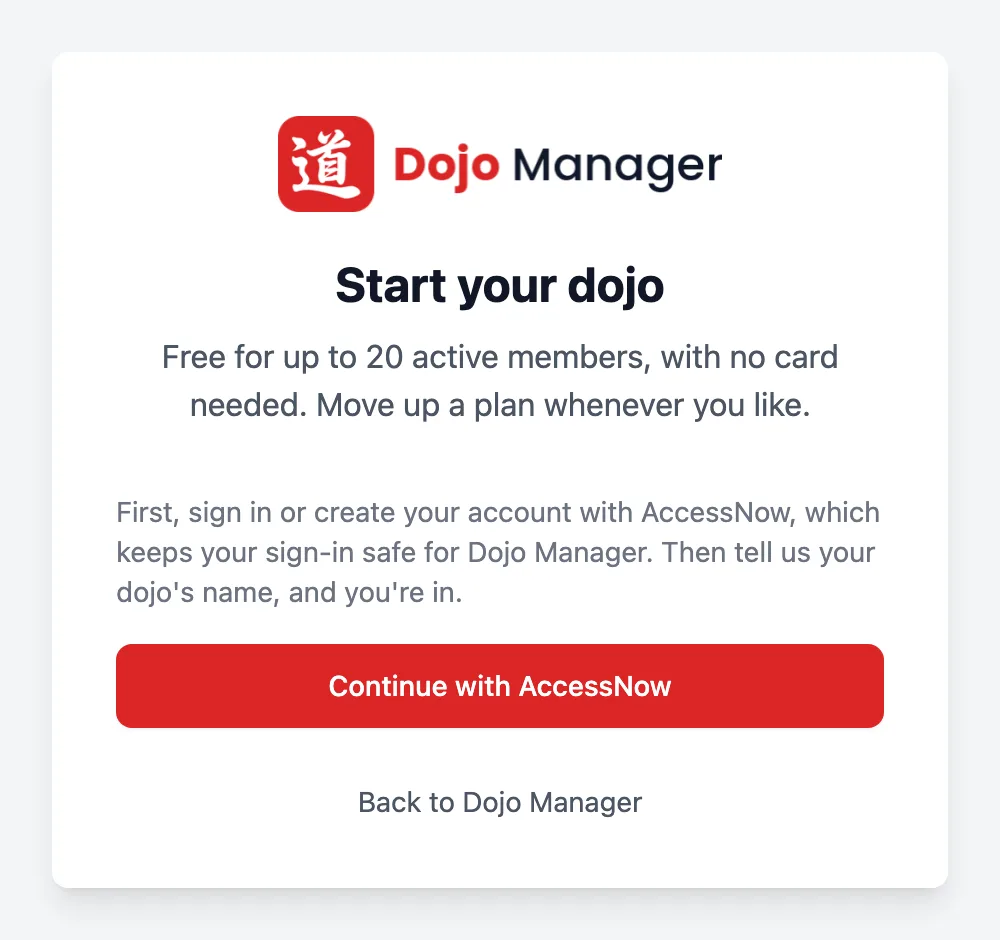
The last piece is a page where a new dojo owner signs up on their own: create an account with AccessNow (the sign-in service all my apps share), type the dojo’s name, and they’re in on the Free plan with no card needed. It’s finished but switched off. For now we’re setting dojos up ourselves, so we can help each one move across properly, and the page says so.
What’s next
All five steps are in the app now, with paying for plans still switched off until the Stripe account is set up for real. The earlier posts on who can do what at your dojo and gradings show more of what the plans include. Dojo Manager opens to other dojos in launch week, 8 to 15 December. If you run a dojo, join the launch list to hear about it first.