


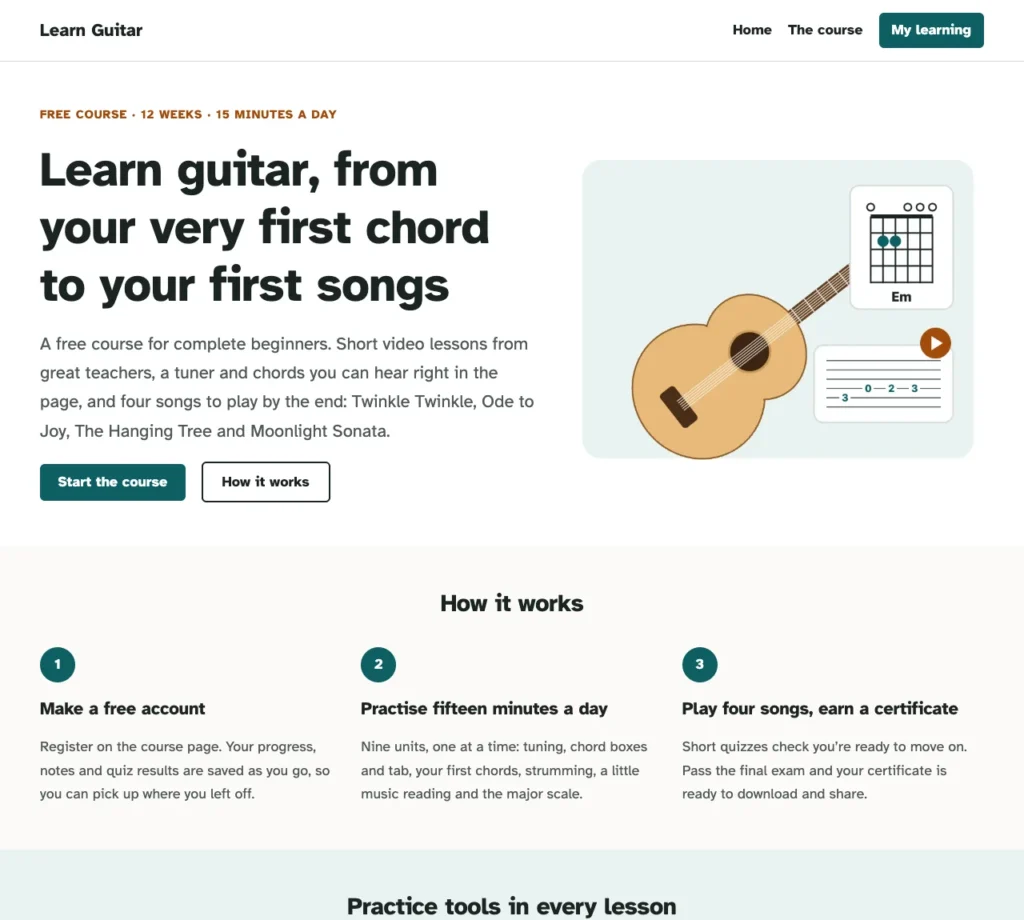
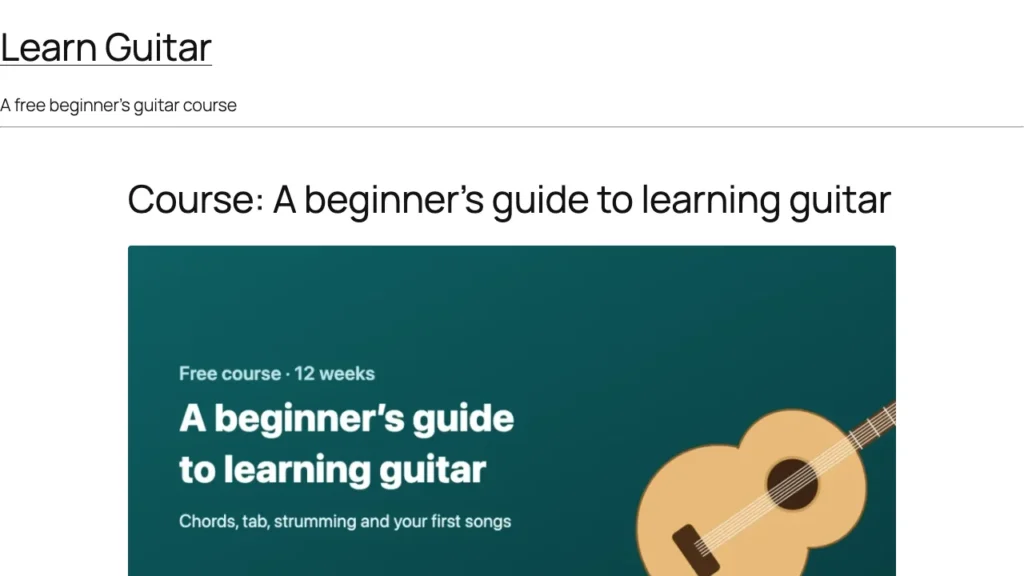
AccessNow LMS, my WordPress LMS plugin, was nearly ready for release, and a feature list only goes so far. So I built a real course to show it off: a free beginner’s guide to learning guitar, for anyone from their very first day to about three months in. It has video lessons, pictures, quizzes, a certificate at the end, and a set of interactive tools: a tuner, a metronome, chord diagrams you can play, and more. Along the way it found five bugs, four of them in the plugin itself, all fixed before the release.
Research before writing a single lesson
I play a bit, but I’m not a guitar teacher, so the course started with how the people who are teach the first three months: JustinGuitar, Fender Play, Marty Music, Guitar Tricks, Andy Guitar and Yousician. They agree more than I expected. Chord boxes and tab before standard notation. Two-finger chords first (E minor and A minor), with G and C last because they stretch the hand. A daily one-minute drill switching between two chords. Fifteen minutes a day beats two hours on a Sunday. And songs as the reward at the end.
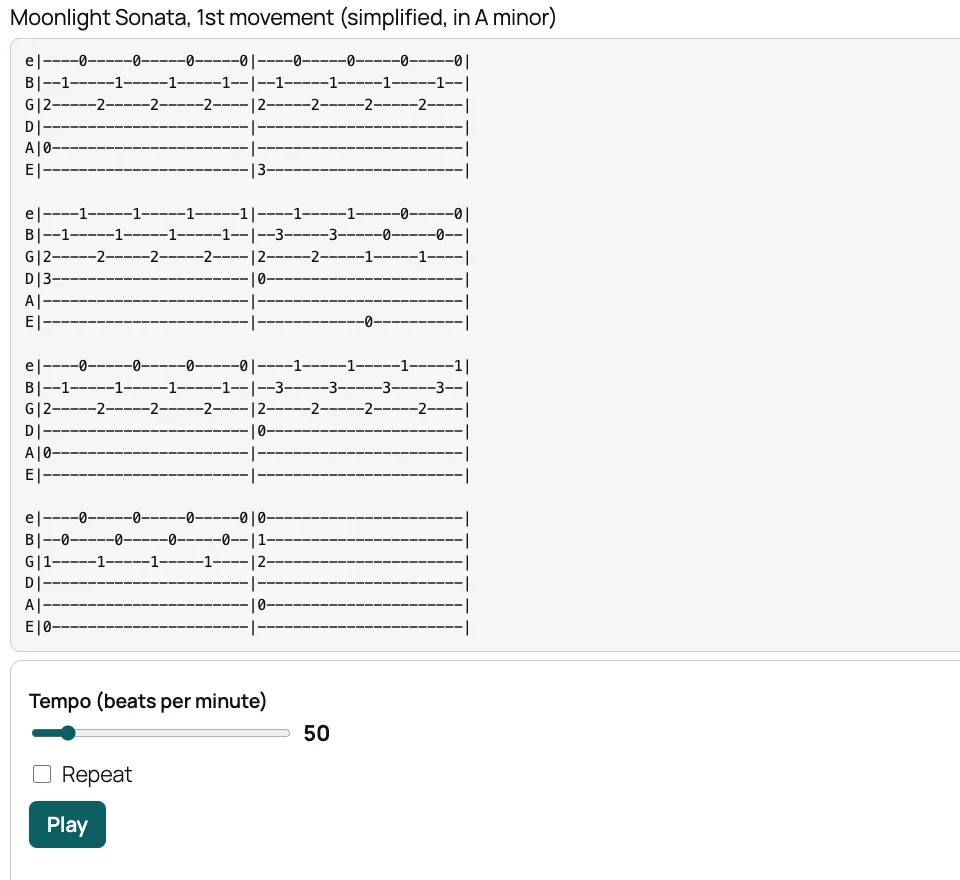
That became nine units over twelve weeks: 31 lessons, 9 quizzes with 59 questions, each with a short explanation, 28 YouTube videos from teachers who already explain things well, 13 diagrams drawn for the course, and a printable practice log and chord chart. Three of the four songs (Twinkle Twinkle, Ode to Joy and a simplified Moonlight Sonata) are old enough to be free to arrange, so the course has its own tab for them. The fourth, The Hanging Tree, isn’t, so that lesson is a video link and nothing else.
A tuner that never phones home
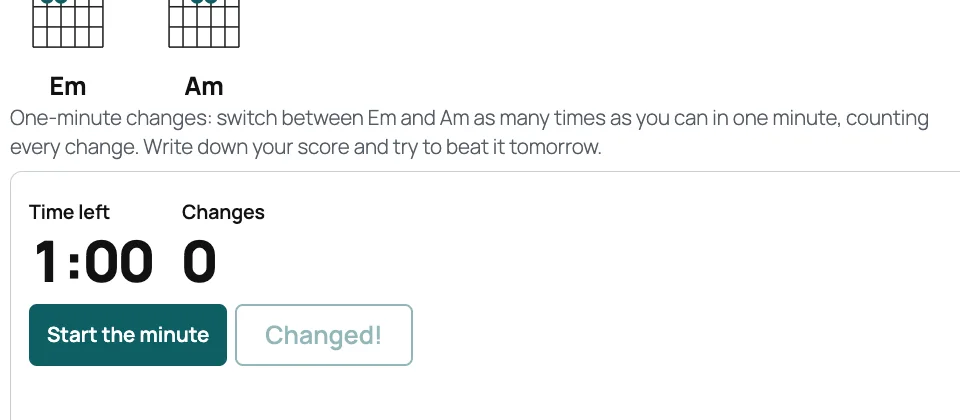
The interactive parts live in a small companion plugin rather than in the LMS, because a tuner is about guitars, not about running courses. There are six: a tuner, a metronome with tap tempo, chord diagrams you press to hear, a one-minute chord-changes timer that charts your scores, a strum trainer, and a tab player with a moving cursor.
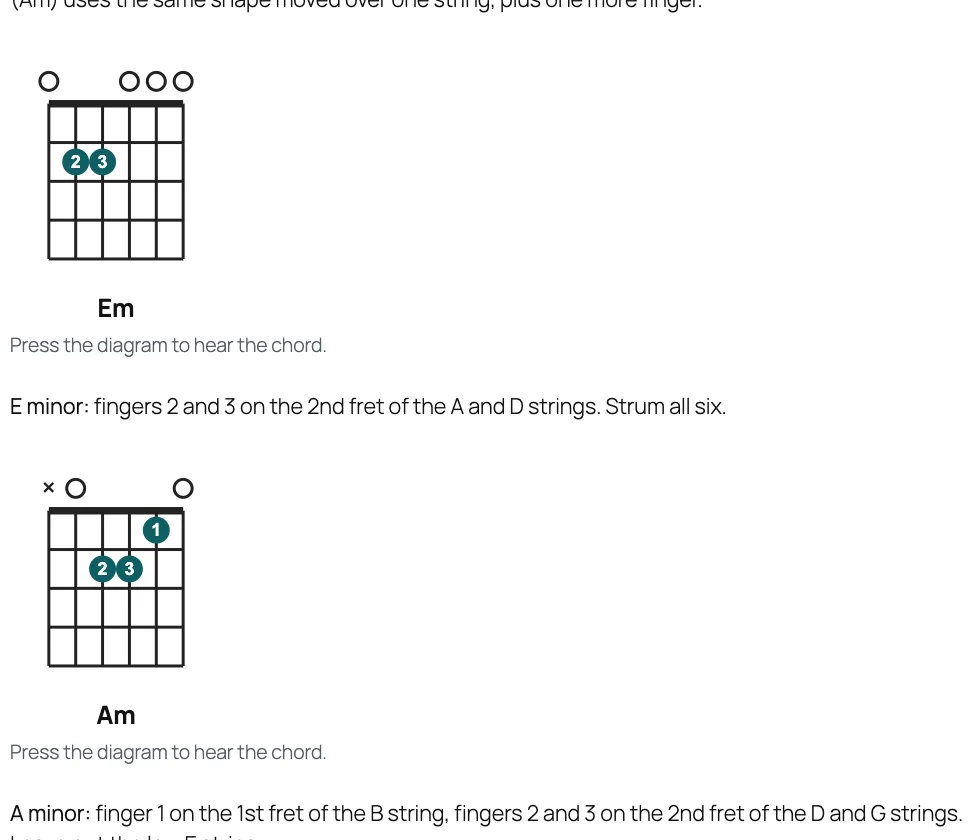
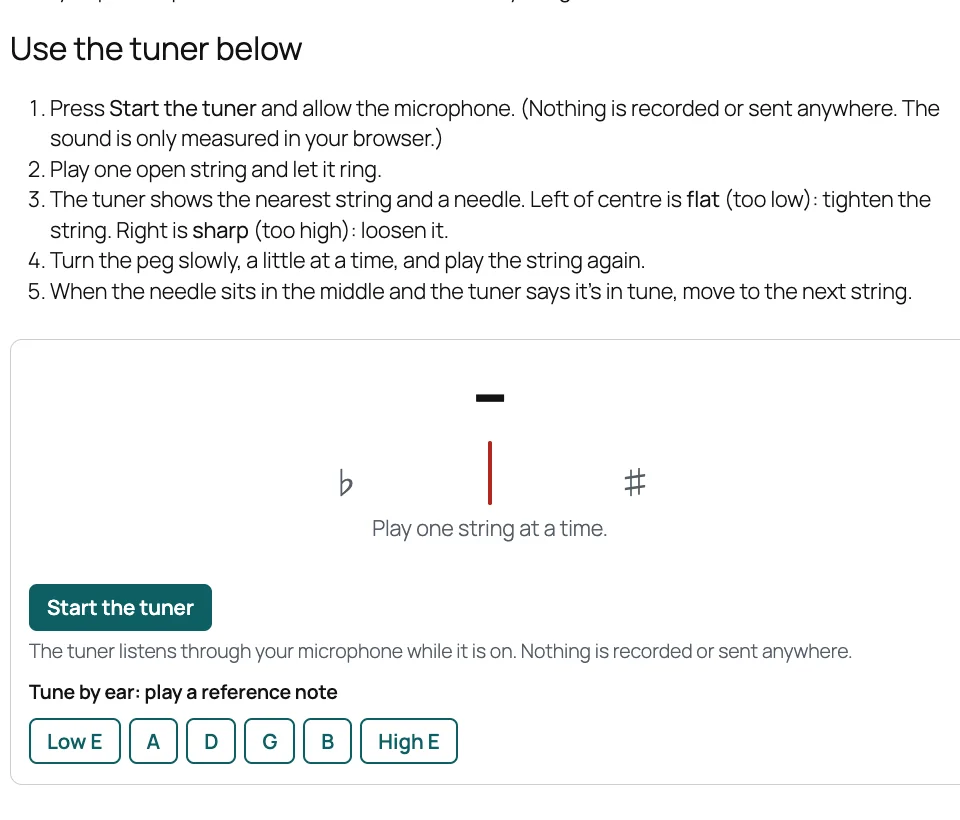
None of them uses recorded sounds or an outside service. A plucked string is made in the browser from a short burst of noise fed round a tiny loop, a trick from 1983 that rings and fades remarkably like the real thing. The tuner listens through the microphone only after you press Start, and the sound never leaves the page.
I tested the tuner without a guitar. It was given 36 made-up notes, every string in tune and slightly out, and came within 2 cents every time (a cent is a hundredth of a semitone, far finer than an ear can hear). Then I gave Chrome a pretend microphone playing an A, and the real page said “A string: in tune”.
The course is a file, not a week of clicking
Thirty-one lessons typed into the editor by hand would be impossible to keep tidy, so the whole course lives in one file: every lesson, every bar of tab, every quiz question and its explanation. A script builds the course from it on any site, and running it again updates the course in place. Students keep their progress, and a lesson whose text really changed is reopened for anyone who had finished it, which is the plugin’s own “redo what changed” feature doing its job.
The tab is written as notes and lengths rather than drawn with dashes, so the player’s timing comes out exact. Moonlight Sonata moves from C sharp minor to A minor, so it fits the open chords a beginner knows by then, and keeps its rolling triplets.
Five bugs a real course found
Every test I had written for the plugin passed. A real course, taken by a pretend student from the first lesson to the certificate, still found five problems, four in the plugin and one in my own tools:
- On WordPress’s current default theme, every course page lost the site’s header and menu, and showed WordPress’s bare old fallback instead. Course pages now use the theme’s own header and footer.
- Some text was too faint to read comfortably: badge and certificate dates, the green “Passed”, the Register tab. No earlier test had a student with badges and a certificate. Rather than chase them one at a time, the plugin’s tests now check the contrast of every colour in its stylesheet, which found seven more.
- The course download lost the interactive tools on a site without the companion plugin, and the Moonlight Sonata tab with them. Each tool now saves a plain-text version too (the chord’s fingering, the tab as text), so an imported course still reads.
- The download left out the pictures inside lessons, so an imported course would have kept loading them from the original site. It now packs them and points the lessons at their own copies.
- Importing or copying a course quietly damaged some text, anything with a backslash in it. I proved the fix by undoing it and watching the new test fail.
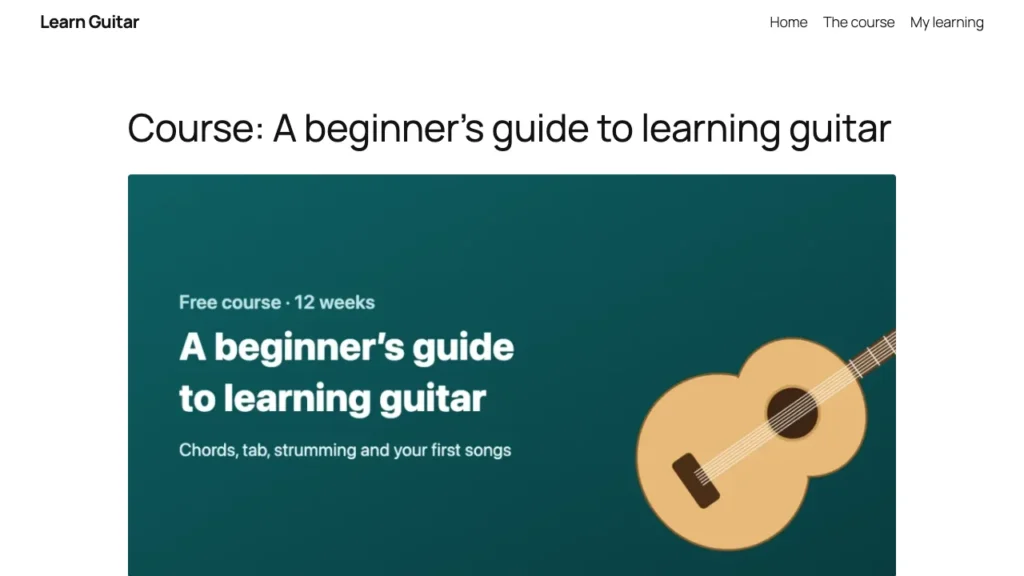
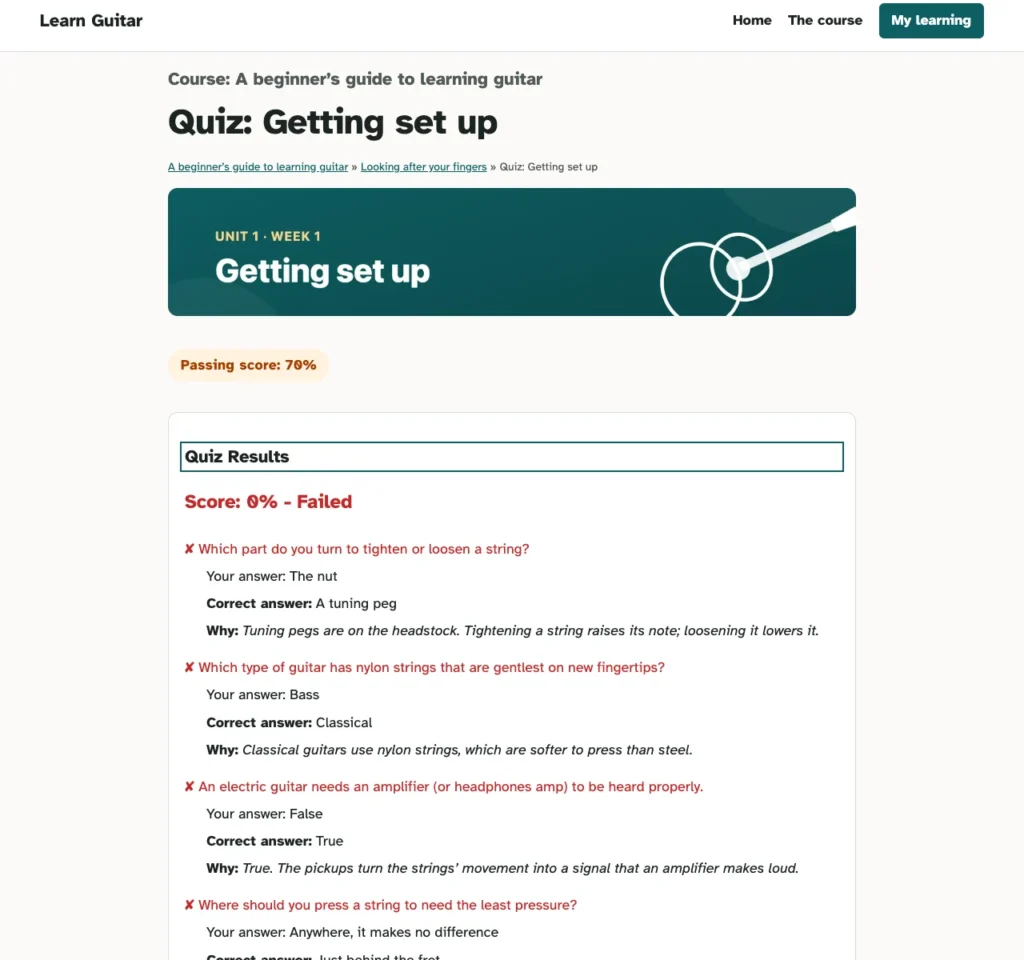
The pretend student, run in a real browser, registers, finds lesson 2 locked until lesson 1 is done, works through all 31 lessons, fails the first quiz (and sees every explanation and a Try Again button), passes it and the other eight, and finishes with 635 points, two badges and a certificate. No errors anywhere, and an accessibility checker found no problems on the 16 pages it tested, signed in and out.
Going live
The demo has its own site on our server. Two things nearly went wrong. On my computer, the plugins were links to the folders I work on them in, and a backup copies a link, not what it points to, so the live site would have arrived with the LMS, the tools and the theme all missing. Our backup plugin, Site Replica, now warns about exactly that, and won’t send such a backup to a live site.
Then the live site refused the backup, rightly. Its backup folder could be downloaded by anyone who knew a file name, because the server ignores the small file that protects that folder on most other hosts. One line in the site’s settings moved the folder somewhere the web can’t reach. A test student then registered, enrolled and finished a lesson on the live site.
The demo also restyled itself on a theme built to go with the plugin. That’s its own story: AccessNow Learn, a block theme for course sites.
Try it
Take the course as a student: register, play the chords, tune up, and see how the dashboard and certificate work. If you run your own WordPress site, the same course is on the AccessNow LMS project page as a download, to import and look around. What the plugin does, and what’s new in 1.0, is in the release post.


