


AccessNow Learn is a free WordPress block theme made for course sites, built to go with my LMS plugin, AccessNow LMS. The guitar course demo started out on Twenty Twenty-Five, WordPress’s default theme, which is fine for a blog but knows nothing about courses: every lesson opened with the same big course banner above its video. I wanted lessons that look like they belong to their unit, a home page that sells a course, and colours a visitor can change to suit their eyes.
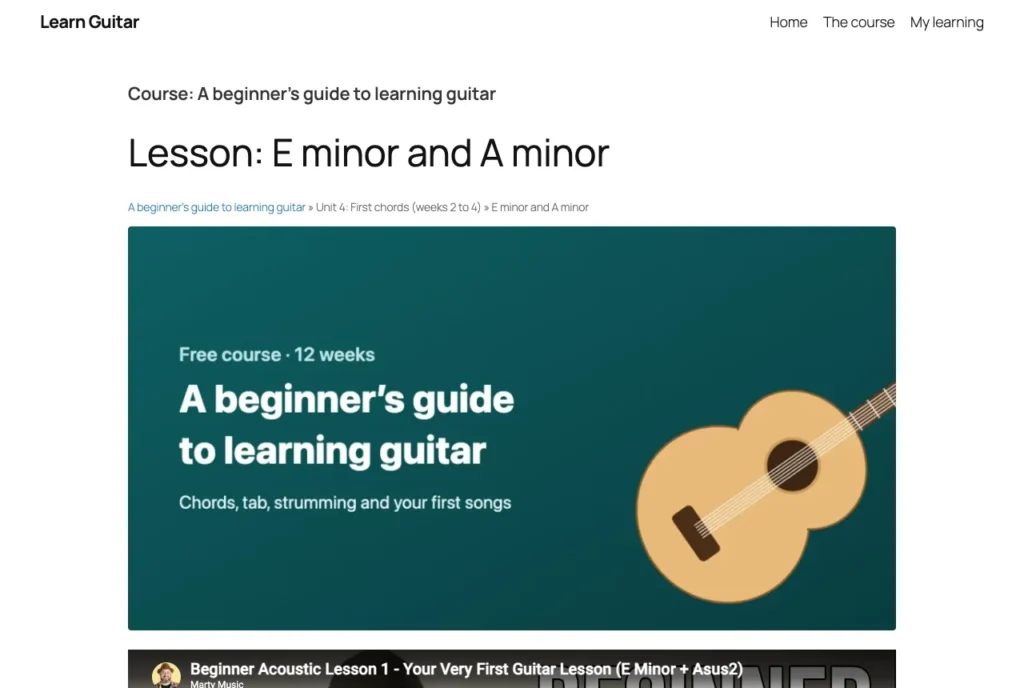
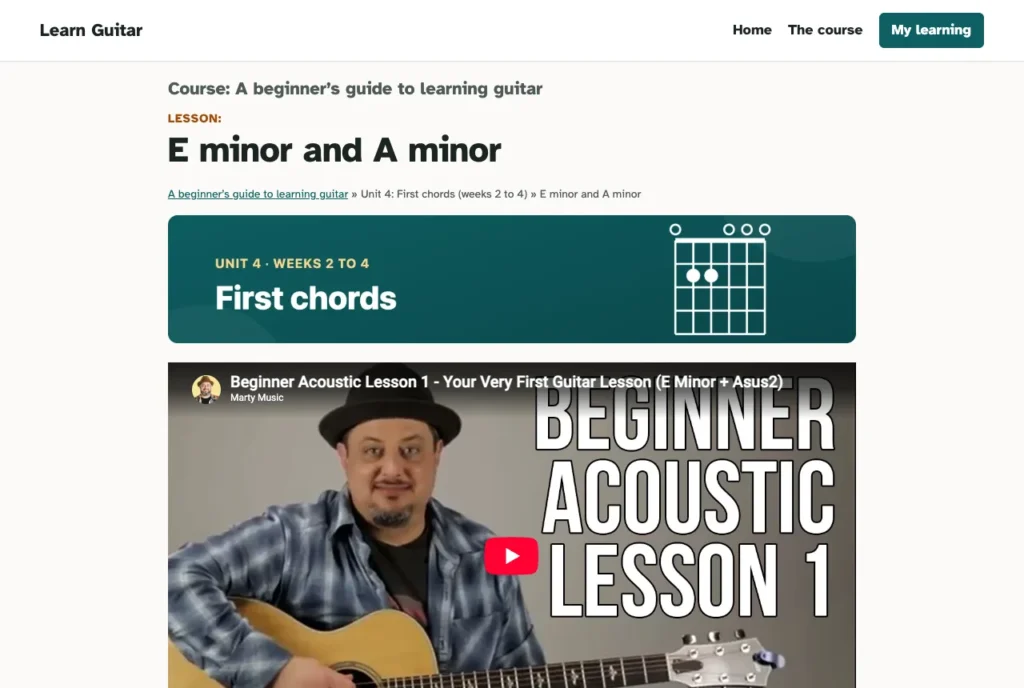
Headers that change through a course
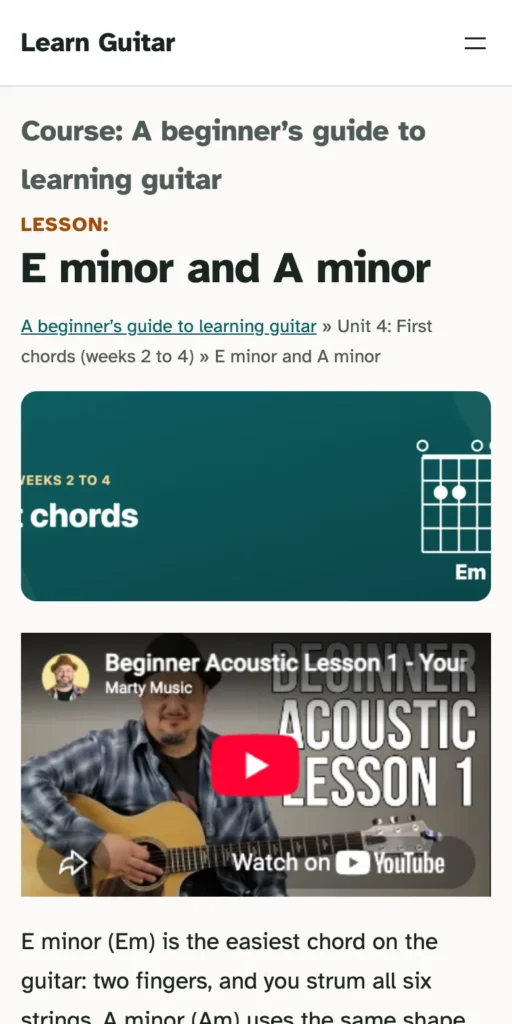
This started in the plugin, not the theme. Units and lessons can now have their own header image, not only courses, and a lesson without one uses its unit’s, then its course’s. Courses, units and lessons each choose a style too: a full banner, a short strip, or none at all. Nothing changes on an existing site until someone picks a different style, and a setting turns the fallback off for anyone who only wants images where they put them.
The guitar course uses all three. Units 1 to 7 each have a short strip with the unit’s name. The tuner lesson turns its strip off, so the tuner is the first thing you see. The songs unit gets full banners with their own art, a moon over waves for Moonlight Sonata. And the last unit has no header at all, except the final exam, which gets a certificate.
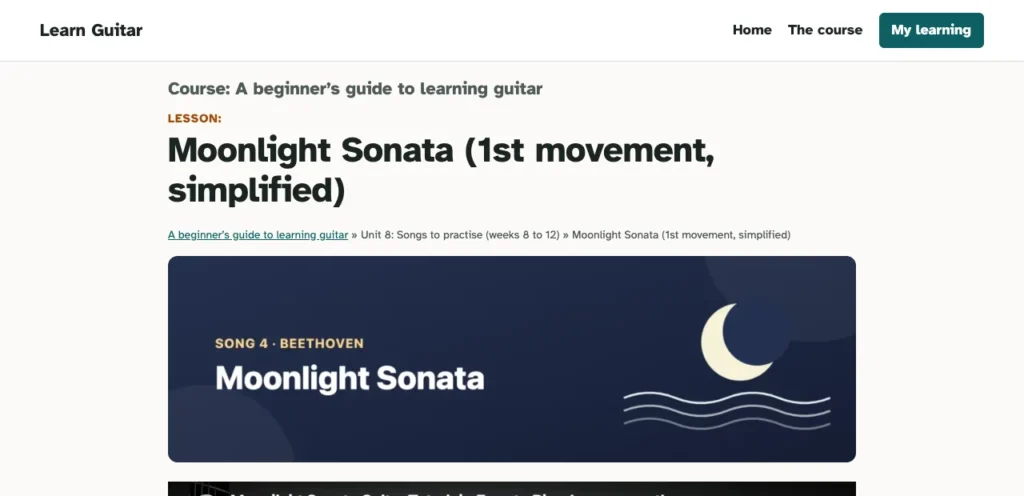
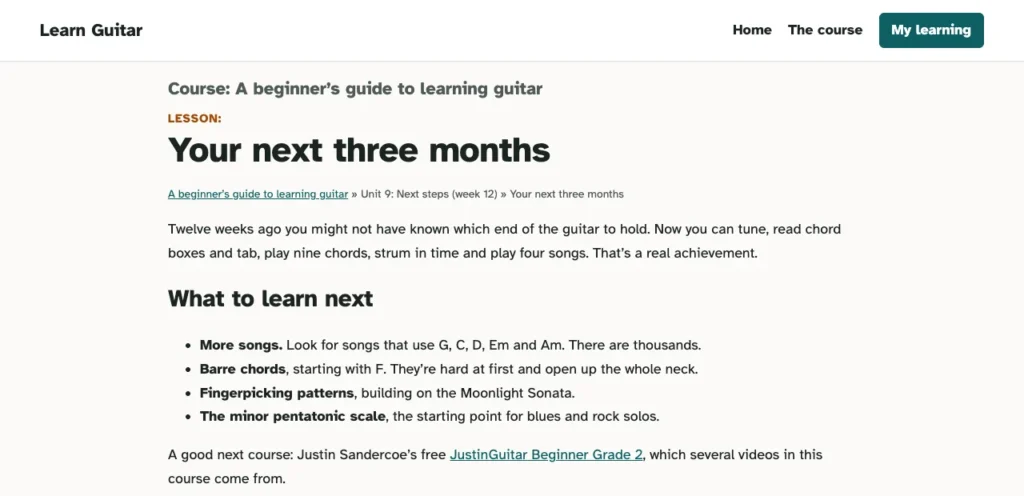
The 14 banners are drawn in code, with the words kept in a band across the middle, so the short strip, which is cut from the middle of the image, still shows the unit’s name.
Readable first
The typeface is Atkinson Hyperlegible, designed by the Braille Institute so that letters are hard to confuse: a capital I and a lower-case l look different, and so do 0 and O. It comes with the theme, so nothing is loaded from Google.
Contrast is checked by a small script rather than by eye. It tests 17 pairings of text and background in every colour scheme and fails anything below the accessibility standard. The lowest any scheme scores is 5.25 to 1, comfortably above the 4.5 the standard asks for.
Four styles, and the visitor chooses
The theme comes in four styles: the default, Night, Sand and High contrast. A site owner picks one in the editor as usual. But the person who knows best whether a page is comfortable to read is the person reading it, so the theme can also put a small Style menu in the header. It’s off by default, and turned on in Appearance → Style switcher. The guitar demo has it on.
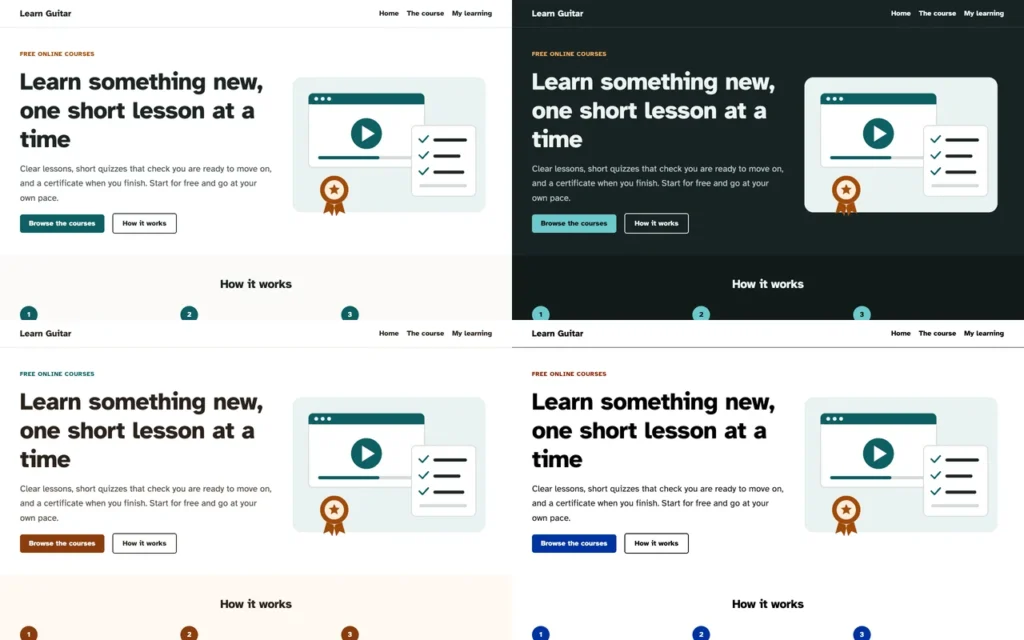

The visitor’s choice is remembered in their own browser and applied before the page appears, so there’s no flash of the wrong colours. My first version made the menu a block, and the theme checker WordPress uses for its theme directory rejected it: themes may not add blocks, that’s plugin territory. It became a few lines that add the menu to the header as the page is drawn. Same result, and the theme stays acceptable for the directory.
Teaching the plugin to follow a theme
The hardest part wasn’t in the theme. AccessNow LMS had about a hundred colours written into its stylesheet, so a dark theme would have shown white quiz boxes on a black page. Rather than have the theme override a hundred rules, the plugin now offers 14 named colours a theme can set, each falling back to the colour it always had. A script proved that, when a theme doesn’t set them, the plugin’s stylesheet is exactly what it was, so nothing changes on any other site. AccessNow Learn sets those 14 lines, and course pages follow every style, the visitor’s choice included. Any other theme can do the same.
The things that cost time
- Thin stripes of background between full-width sections, from WordPress’s default spacing between blocks.
- A header inside a header, which confuses screen readers about where the page’s regions start.
- Two more plugin problems that only showed with a student part way through a course: the locked “next lesson” button was a grey too faint to read, and breadcrumb links were told apart by colour alone. Both fixed in the plugin.
- A test that kept failing for no reason: clicks after a scripted jump down the page landed on the invisible ghost of a YouTube player. Scrolling with the mouse wheel, as a person does, fixed it.
At the end, every template and pattern opened cleanly in the Site Editor, an accessibility checker found nothing on 11 pages in all four styles (44 runs), and WordPress’s theme checker reported no errors or warnings.
Try it
See the theme on the guitar course demo, and try the Style menu in its header. The theme isn’t part of the course download; it has its own project page, where it will be available soon. The plugin it was built for is AccessNow LMS.


